
Name-Based Case Searches
The quickest name route into a McDowell County court docket is the North Carolina eCourts Portal Smart Search. Type a name in last-name, first-name order. Or plug in a known record number. Smart Search stops at 200 results. A common name can hit that ceiling fast. When the set comes back too wide, narrow it with the McDowell location, a case type, a status, party criteria, or a filing-date range through Advanced Filtering Options.
- Open Portal and choose Smart Search. Enter a record number or a name in the basic search field, then submit the search.
- Use Advanced Filtering Options only after basic criteria are present. Select McDowell as the location and choose compatible type, status, party, or filing-date filters.
- Open the underlined case number that fits the known court and party information. That link opens the public Case Summary or Register of Actions.
- Read Case Events in date order, then use Search Hearings separately if the immediate question is a current court date.
The table lays out the Smart Search fields Portal publishes. Dropdown choices can change over time, so only the fields and options confirmed in the official guide are preserved here.
| Field label | Type | Required | McDowell search use |
|---|---|---|---|
| Record Number or Name | Text | Yes | Enter a case number or last, first name. |
| Advanced Filtering Options | Expandable control | No | Narrows a basic search; cannot stand alone. |
| Search Type | Dropdown | No | Official materials identify case number, business name, citation number, and other live choices. |
| Location | Selector | No | Select McDowell to narrow statewide results. |
| Party criteria and DOB | Text and date controls | No | Aids a same-name search; public DOB output masks month and day. |
| Case type and status | Dropdowns | No | Choose compatible civil, criminal, estate, or special-proceeding categories and statuses. |
| Filing date range | Date controls | No | Limits a broad result set. |
McDowell County Docket Search Access
McDowell joined eCourts on October 13, 2025. Portal is now the public window into Enterprise Justice. It covers Superior Court and District Court public case categories. Anyone can use it anonymously. Registering adds "My Cases" tracking but unlocks nothing sealed, confidential, or otherwise restricted.
Portal is a search and viewing tool only. It is not the official court record. It is also not how you file; that is the separate registered File & Serve system. Treat a Portal result as a way to identify a case, date, or public event. Certified copies belong with the McDowell Clerk of Superior Court. Questions about a missing file go there too.
For court services, contacts, schedules, and payments, the McDowell County court landing page is the county's official route.
The official Portal training and resources page covers public registration, search functions, and help materials.
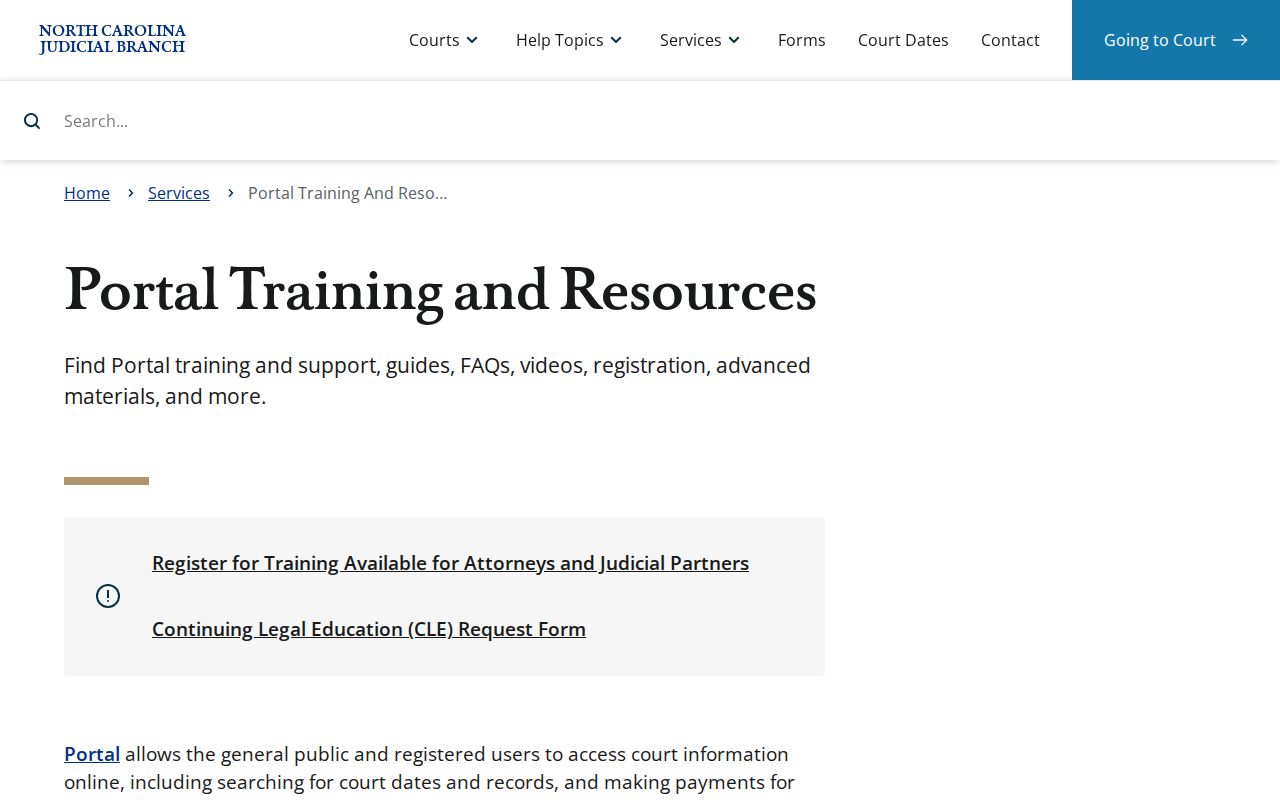
Training materials help with the public interface. For any McDowell County court file, though, the clerk's record remains the authority.
Case Number Searches
A record number is often the fastest key for a McDowell County docket search. It leads straight to one file. Per the state guide, the Enterprise Justice format pairs a two-digit year with case-type letters. It adds a six-digit sequence number and a three-digit county identifier. The guide's own example is 21CR000007-910. Take the number off a court document or a Portal result rather than from memory. Guessing a McDowell suffix from an example will not match the county's real numbering. Once the underlined result opens, the Case Summary can display case information, assignment information, parties, events, dispositions, hearings when data exists, and financial information when data exists. North Carolina's court services page routes users to Portal, record access, and court-date services.
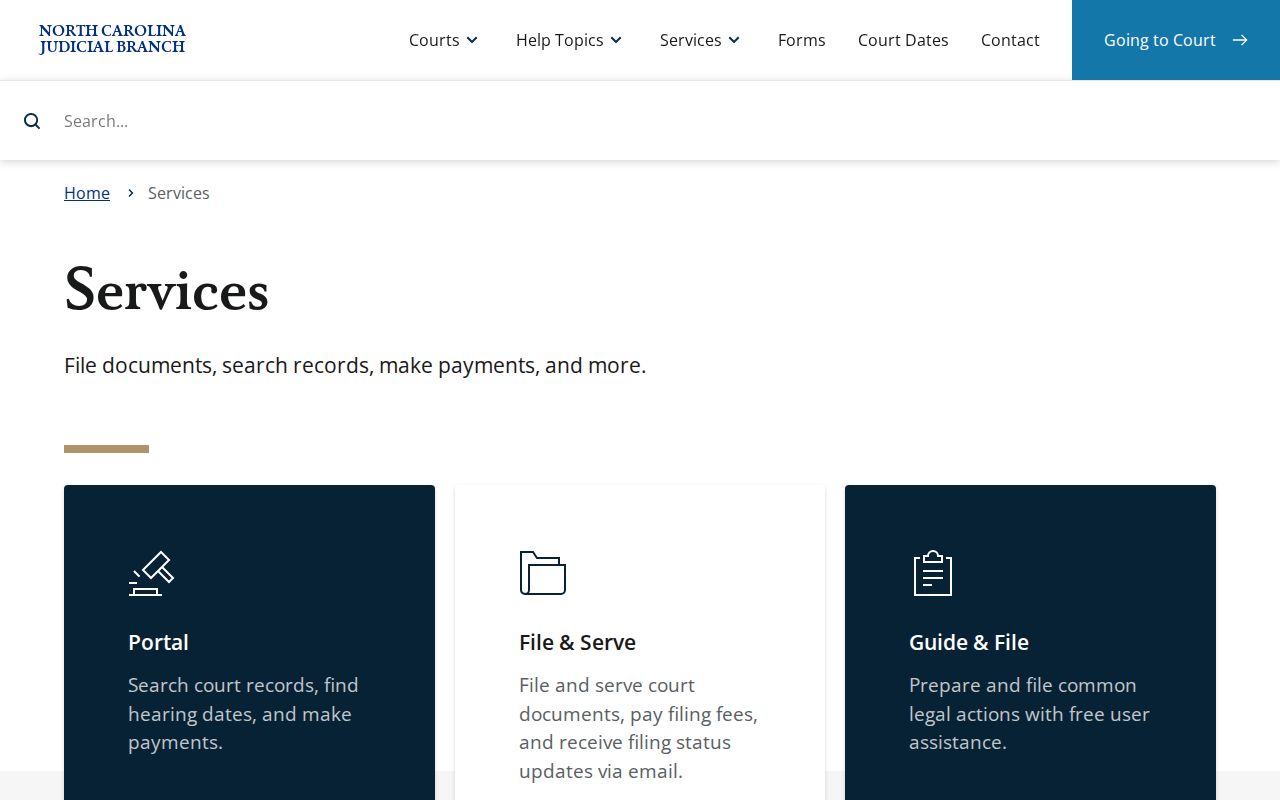
The services directory makes one thing plain. Public search, hearing lookup, filing, payments, and clerk records are separate channels, each with its own job.
McDowell County Docket Search Filters
Seeing a 200-result notice means narrow the search, not that the case is missing. Pick McDowell as the location before judging any same-name result. Then layer on a compatible case type, case status, filing-date range, or party criterion. Documented advanced categories include Civil Actions, nonconfidential Special Proceedings, Estates, and Criminal Actions. Status choices shift with the type selected. Wildcards work within limits. A case-number wildcard needs four characters minimum before the asterisk. A person-name wildcard requires three last-name characters and one first-name character. Searching by business name is an Advanced Filter task. The guide spells out special comma handling for business names. None of these tricks unlocks restricted records; they just sharpen the aim. For McDowell County's geographic identity in statewide datasets, the official 2020 Census county table is the source.
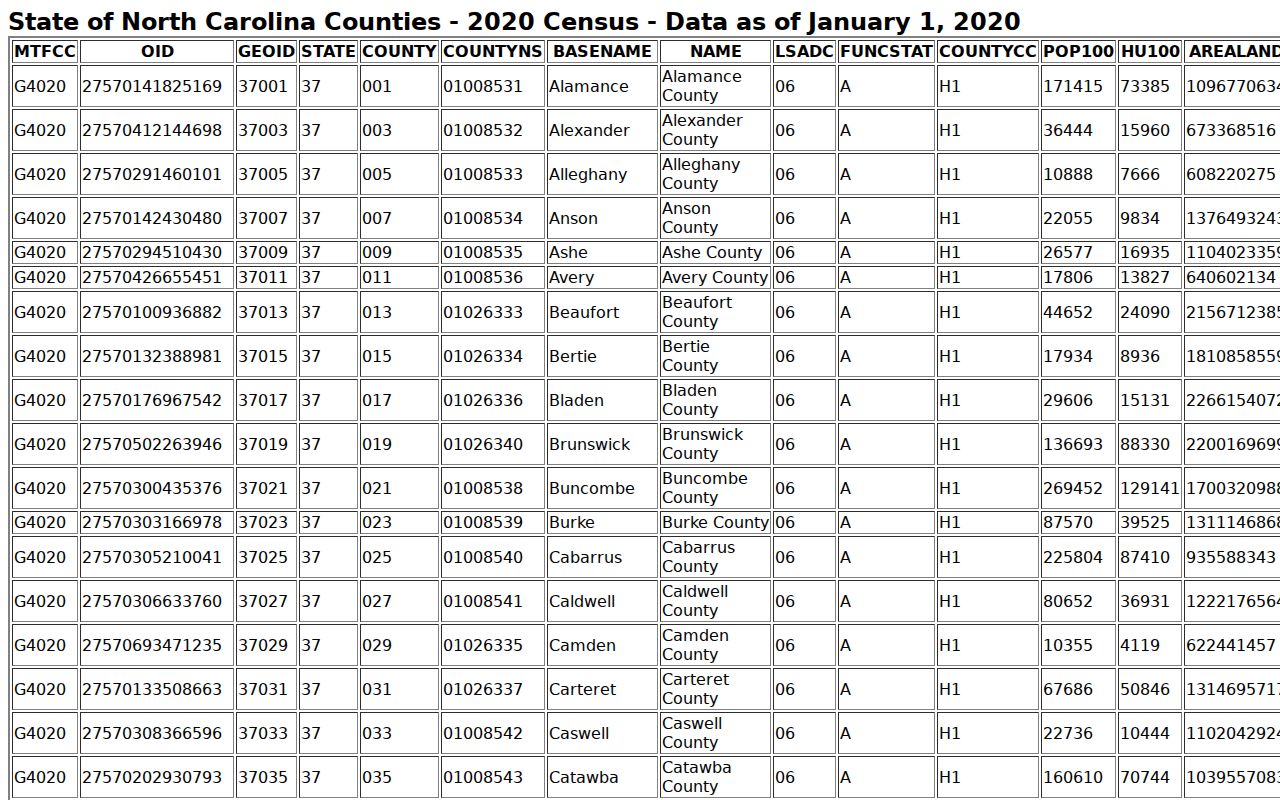
A Portal location filter tells you the filing county for a court search. A Census table is geographic context only, not a case index. The official 2020 Census incorporated-places table identifies Marion and Old Fort as McDowell's incorporated places.
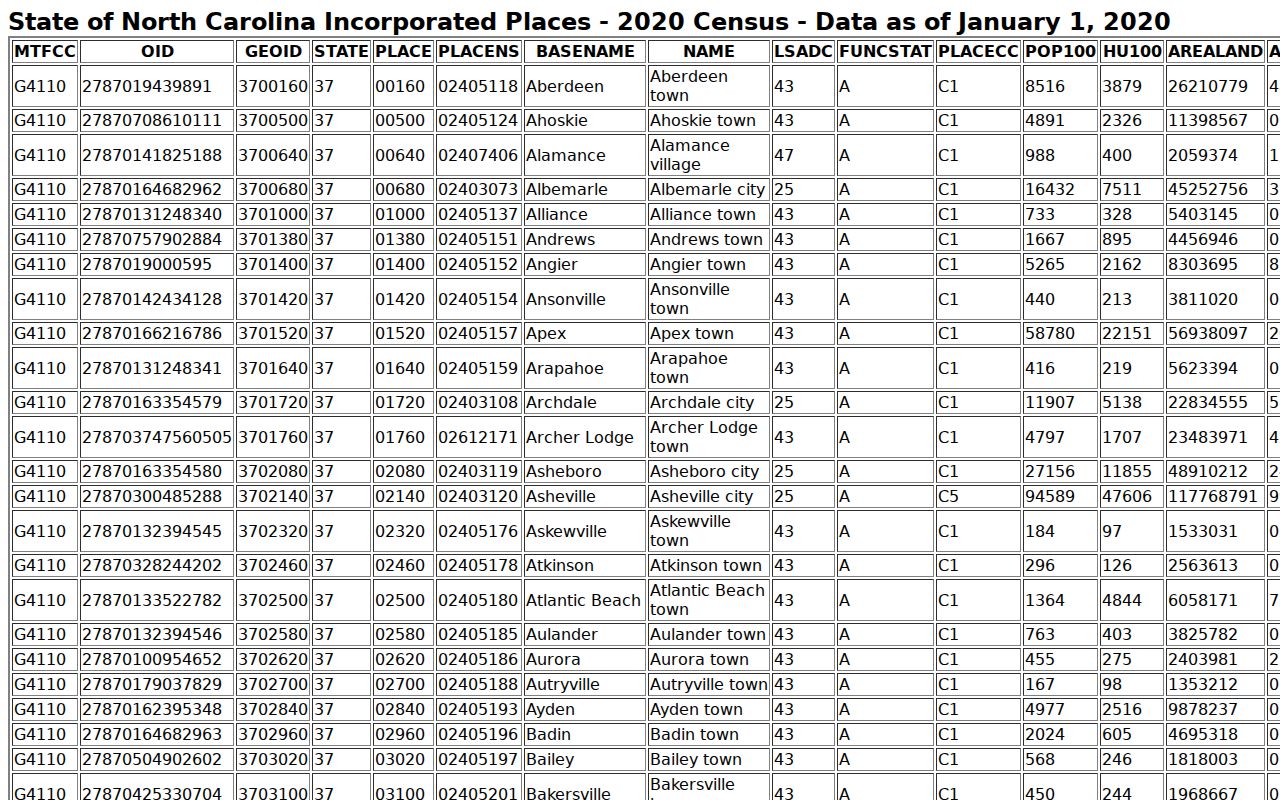
A city name cannot stand in for the McDowell court location filter when a state court case belongs to the county trial-court system. Note: Narrow a broad name result with known case facts. Portal search output alone cannot establish that two people with similar names are the same party.
Case Search Results Explained
A McDowell County Case Summary is a chronological public view drawn from the clerk's records. Not every file shows every section. The official guide puts Hearings and Financial Information in only when information exists. Public documents may be available. Yet a public result should never be assumed to include every filed paper, attachment, or certified copy.
| Case number | The file identifier selected from a result. It follows the Enterprise Justice pattern described by the state guide. |
|---|---|
| Case and assignment information | Available summary sections that can identify court assignment information when the record has it. |
| Parties and attorneys | Public party information and available attorney information, subject to Portal privacy rules. |
| Cause of action | The civil, family, probate, or mental-health category shown where applicable. |
| Case events | The dated event history or Register of Actions, including filings, settings, orders, and other public entries. |
| Dispositions and financial information | Outcome information and values when displayed. Smart Search is more current than the Judgment Search snapshot for financial information. |
| Documents and redactions | Public materials may be available, but sealed, confidential, and restricted records are not public in Portal. |
McDowell County Hearing Search
Search Hearings fits one job: the next listed court setting, not the full docket history. Pick a location, hearing type, search type, and date range. Depending on the search type chosen, lookups run by case number. They can also run by party, business, attorney, bar number, judicial officer, or courtroom. Results show current locations and times, which can be sorted into a call list.
So the two tools pair well. Smart Search delivers the Case Summary and event history. Search Hearings delivers a calendar-style snapshot of what is coming up. One gap: it never labels an entry virtual or in person. For that detail, check the court notice or the courtroom clerk. The Clerk of Superior Court can help too. A fuller date workflow lives in the McDowell County Court Schedule.
The McDowell local schedules hub is another county channel. Its master-calendar message is no substitute for a current case-level hearing search.
The official court-records access guidance also describes public terminals and county-file access.
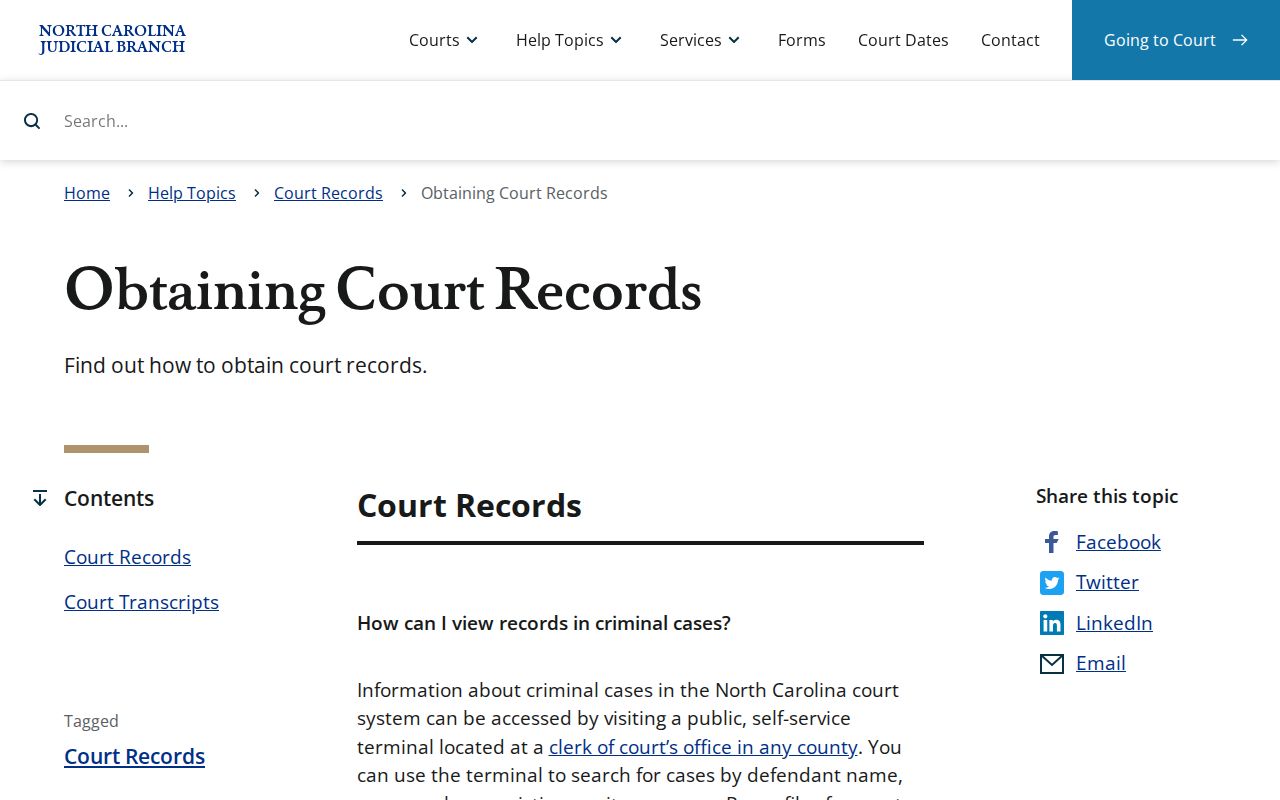
When an online result looks thin, the paper trail still exists. The public terminal and the county file remain the documented routes to the underlying McDowell County court record.
Two Ways to Search: County and State
No separate McDowell-only docket portal exists. Instead, eCourts Portal serves the whole state. Its location selector narrows a search to McDowell County. The county side of the chain belongs to the Clerk of Superior Court. That office keeps the official Superior Court and District Court files. It also handles the counter, paper-file, terminal, copy, and certification routes.
| Statewide Portal view | McDowell County record route |
|---|---|
| Search public cases across participating North Carolina locations, then narrow with McDowell. | Inspect the local file, request copies, or seek certification from the Clerk of Superior Court. |
| Smart Search gives a public Case Summary; Search Hearings provides current hearing results; Judgment Search is an index. | The clerk is the official custodian for Superior and District Court trial records, including criminal, civil, traffic, estate, and public special-proceeding files. |
| Best for a name, case number, public event history, or current hearing lookup. | Best for an official copy, a record not clear online, an older file, or a question about restricted access. |
McDowell County Docket Search Checks
A no-result message is not proof that no court file exists. Check the spelling, the last-name, first-name format, and the case-number punctuation. Also confirm the date coverage. Make sure you picked the right McDowell location and case type. Legacy events were converted when McDowell joined eCourts in 2025. The Portal FAQ warns that older event times can display as 12:00 AM.
For a missing, old, unclear, sealed, or document-image question, call the McDowell Clerk of Superior Court at (828) 655-4100 or visit the file at 21 S. Main St., Marion. The official courthouse page lists weekday hours of 8:30 a.m. to 5:00 p.m. State guidance says the clerk-office public terminal searches criminal records by several criteria. It also covers civil, special-proceeding, and estate information.
The McDowell contact directory is the official local contact source. Skip NCAOC's administrative public-record request form for case documents, though. NCAOC itself says it is not the custodian of county court files.
Which Cases Stay Restricted
Smart Search can surface public criminal, civil, estate, and nonconfidential special-proceeding records. Access remains subject to Portal availability. Sealed and confidential material stays off limits to Portal users. Juvenile files are confidential under G.S. 7B-3000. Unreturned criminal warrants sit outside ordinary public Portal access. So do protective-order and domestic-violence-related categories, along with sensitive personal information.
The Portal masks the month and day in public date-of-birth results. It never shows Social Security numbers. A missing result may mean a restricted record, an expunction, a coverage gap, or a search-format slip. It is not evidence that a person has no court history. Elevated or confidential access turns on role and statute, not on a public account.
McDowell County Court Record Access
G.S. 7A-109 requires clerks to keep prescribed files, dockets, and indexes, and it makes them open to public inspection during regular office hours unless a law blocks access. That statute backs the clerk-counter fallback whenever an online Case Summary leaves a public-record question unanswered. The Portal helps, but it is not a certified record. The official statute text spells out these duties in full.
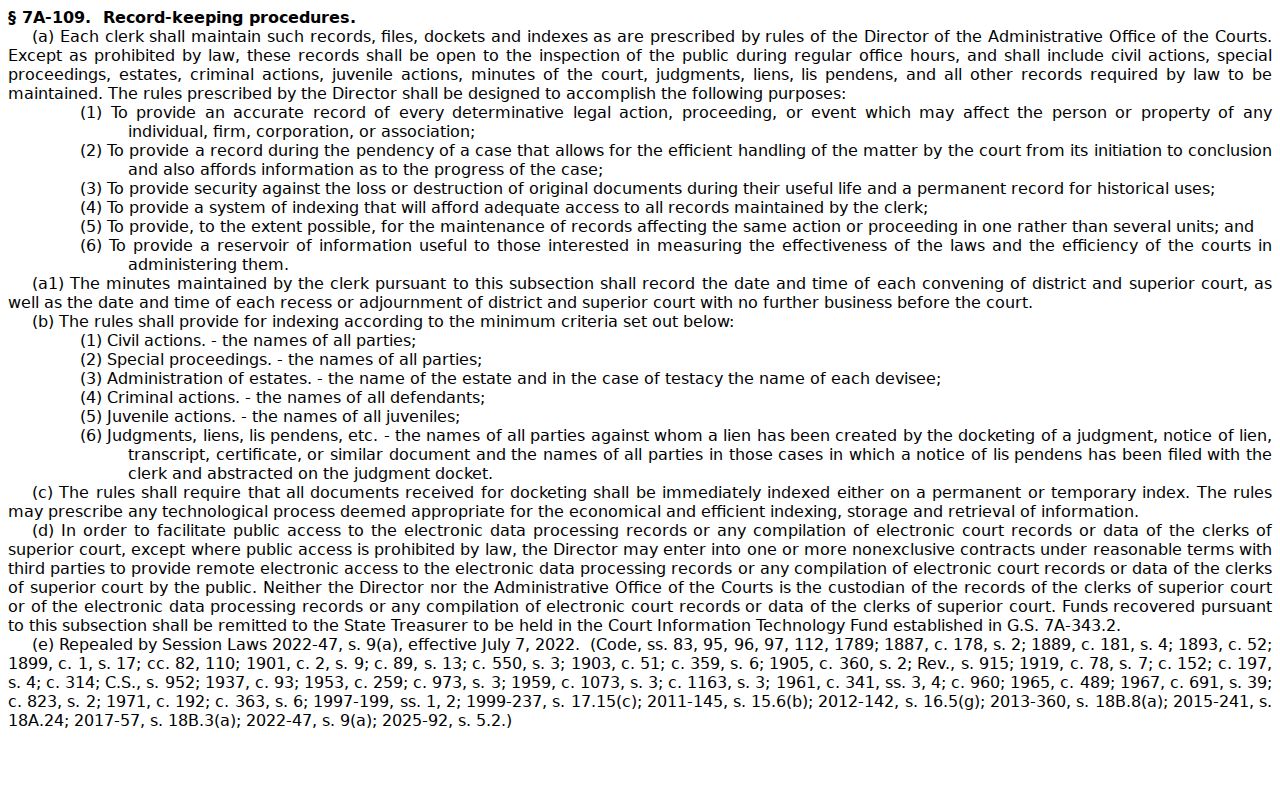
Need filed papers, certified copies, or the official record behind a docket entry? Contact the McDowell Clerk of Superior Court. A screen result is a lead, not the final word.
Note: Public inspection rules do not override an order or statute that makes a particular McDowell County case or document confidential.