
How the McDowell County Court Calendar Works
McDowell County spreads its calendar across several channels because each one answers a different question. The North Carolina eCourts Portal handles live settings through Search Hearings. That screen filters hearing listings by location, hearing type, search type, and date range. Smart Search takes over from there, opening the public Case Summary, or Register of Actions, where events appear in the order they happened.
The county also links statewide civil and criminal calendars. It keeps a local administrative schedules hub as well. Right now that hub reads "Master Calendars: none at this time". Its Civil Calendars and Criminal Calendars sections stay up. That phrasing is easy to misread. It does not mean a case lacks a setting. It means a broad master calendar is no substitute for a search at the case level.
The hub itself is the official page for these schedule postings.
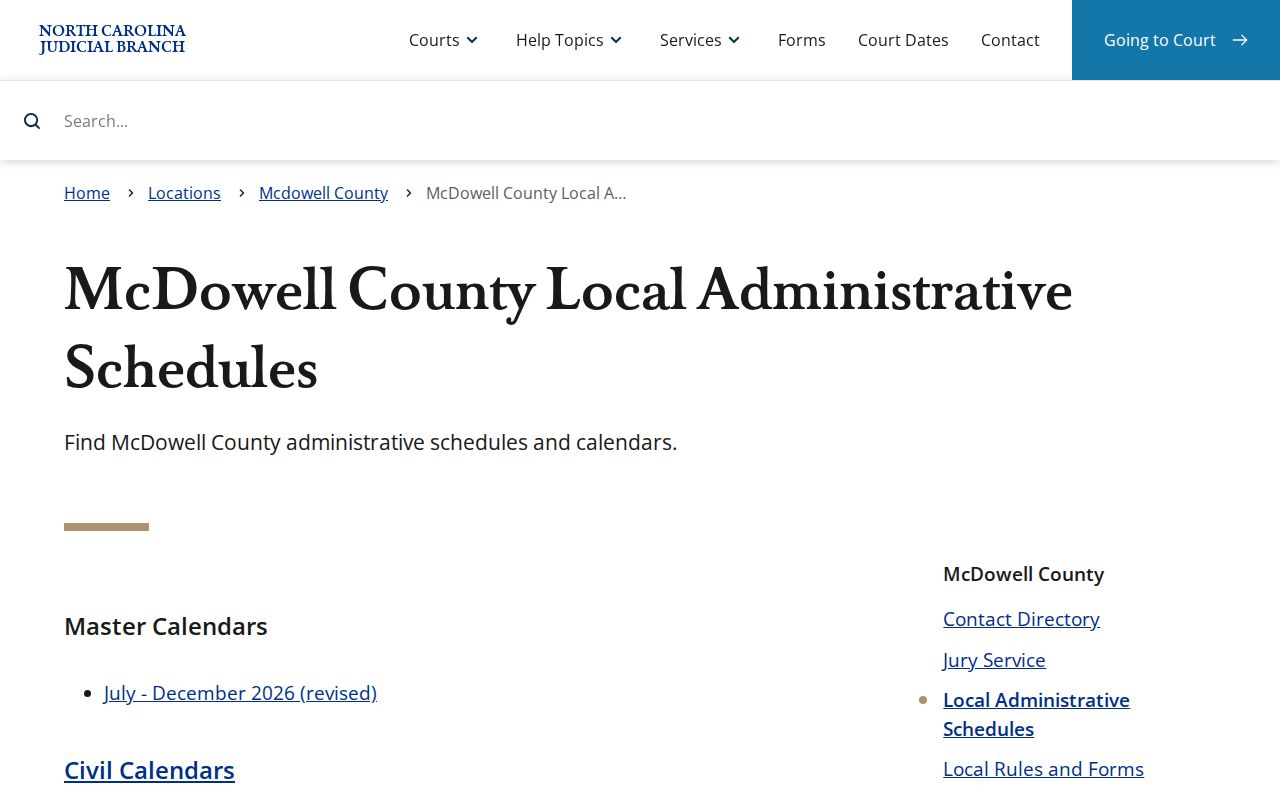
Treat the schedules hub as a routing point, then move to Search Hearings and the Case Summary to pin down the active setting for a McDowell County case.
One caution: a calendar entry only names a listed court event. The current case history is the better record for confirming whether a setting still stands.
McDowell County Court Hearing Search
Search Hearings and Smart Search are not the same tool. Smart Search locates a public case by name or number and returns its Case Summary. Search Hearings exists for the court-date question. Pick McDowell as the location. Choose a hearing type and search type. Fill in the required date-from and date-to fields, then enter the criterion that matches your chosen search type.
The official Portal guide lists the searchable criteria: case number, party name, business name, attorney name, attorney bar number, judicial officer, or courtroom. Results show current hearing locations and times. You can sort them by column. One gap matters here. The result view does not flag a hearing as virtual or in-person. A court notice or a call to the clerk may still be needed.
The official McDowell County court landing page carries the court's own service and contact details.
When a hearing result needs a human confirmation, the court landing page serves as a second channel. It routes current court services and local contacts for McDowell County.
McDowell County Court Date Lookups
Start with the online hearing tool for a current McDowell County court date. A case number works best. Party-name searches can work too, but the Portal wants names in last-name, first-name order. Keep in mind that broad searches can pull up to 200 results. Narrowing by location and date range matters. Those filters are what make a McDowell County court date lookup manageable.
- Open eCourts Portal and choose Search Hearings. Select McDowell, then choose a hearing type, search type, and a date range.
- Search by the case number, party name, business, attorney, judicial officer, or courtroom that fits the selected search type. Read the listed date, time, and location.
- Open Smart Search for the same case and read the Case Summary in date order. A past event may remain visible even after a new setting has been entered.
- If the result is missing or uncertain, call the McDowell Clerk of Superior Court at (828) 655-4100, or inspect the public file and self-service terminal at the courthouse during office hours.
- For calendar logistics, the published directory lists the Superior Court judges’ office at (828) 288-6116 and the District Court judges’ office at (828) 655-4112. Use the clerk or courtroom office to clarify procedure, not to assume a date has moved.
The McDowell County Courthouse sits at 21 S. Main St. in Marion, open on weekdays from 8:30 a.m. to 5:00 p.m. If the Portal does not answer your question, the state's court-records guidance points to other options. Public self-service terminals and the county's paper files both serve as backups for court records.
McDowell County Courtroom Call Lists
A hearing time is not always your personal appointment time. The Portal training guide gives a practical sequence for courtroom call lists. Ask the courtroom clerk how cases are called. Run a one-day courtroom search, then sort the results. When many McDowell County court matters share one date and room, that order helps you plan the day.
McDowell's jury-service materials list Courtroom 2 on the main floor as a jury-reporting location. That is courthouse context only. It does not promise every hearing happens there. For a particular case, the hearing result and the case notice give part of the answer. A call to the right court office gives the rest. The official McDowell jury-service page is the source for that courtroom detail.
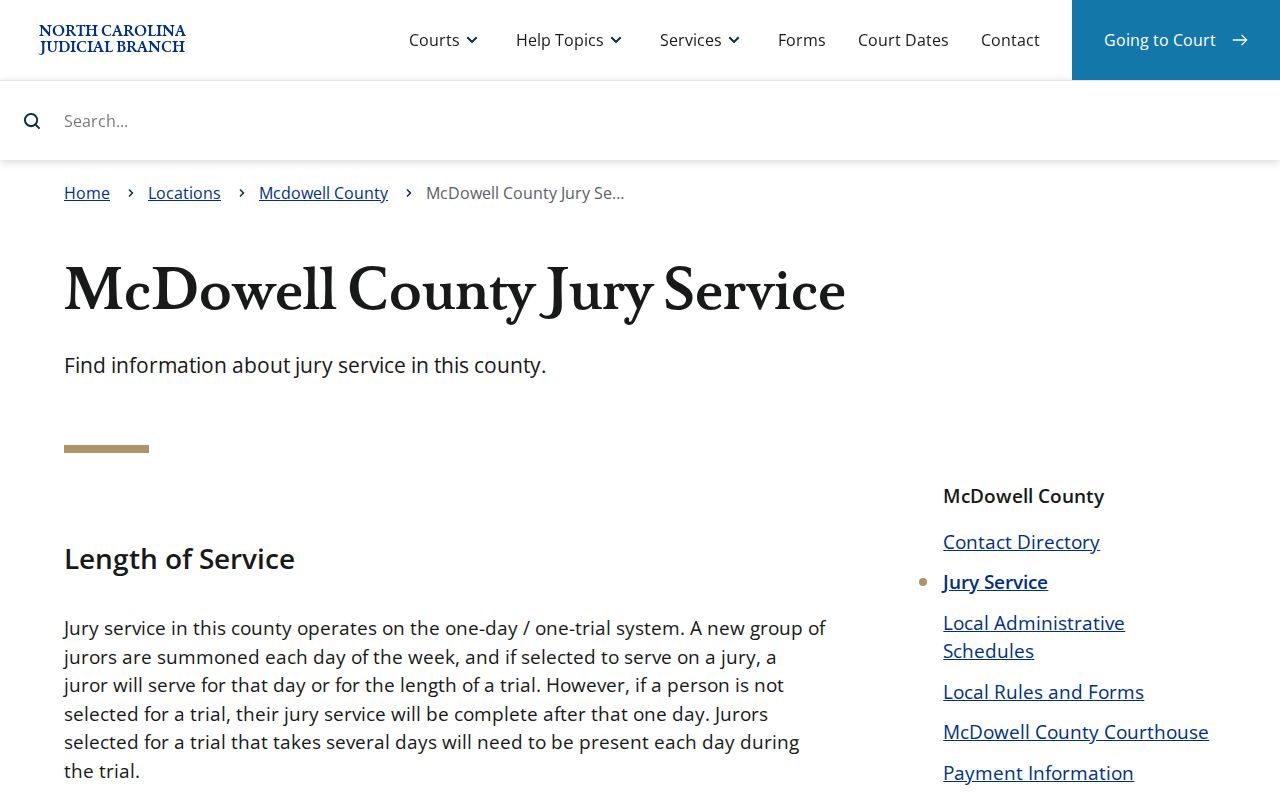
A one-day courtroom search shows two things. It separates the calendar's posted start time from the order the court actually calls cases.
Court Settings: What Each Field Means
Take the whole entry in. In a McDowell County court setting, no single field tells the story on its own, so read the courtroom, the judge, and the party labels side by side with the Case Summary, which supplies the timeline behind the docket entry.
One caution: Search Hearings confirms where and when a hearing happens, but its live interface offers no stable, complete list of result columns.
Treat those labels as available case information. They will not appear in every search result.
| Date | The calendar day returned by Search Hearings. Compare it with the latest Case Events entry before treating it as the active setting. |
|---|---|
| Time | The hearing time or calendar start shown in the current result. It may not be an exact place in the day’s call order. |
| Courtroom | A selectable Search Hearings criterion and an available location detail. Choose a specific room for a one-day call-list search when needed. |
| Judicial officer | A conditional search criterion when that search type is selected. Confirm the live result or court notice rather than assuming an assignment. |
| Setting type | The required hearing-type selection. Labels can include arraignment, pretrial, motion hearing, plea, trial, sentencing, probation hearing, or calendar call when applicable. |
McDowell County Court Setting Terms
The portal posts no legend just for McDowell County, so skip the guessing game with abbreviations. A short plain-language read of the setting type is the safer route.
- Arraignment
- A criminal hearing that addresses the charge and plea-related matters.
- Pretrial
- A case-management or readiness stage before trial.
- Calendar call
- The court’s process for addressing cases set for a session, not necessarily the exact moment a case will be heard.
- Continuance
- A court-approved postponement to a later date.
- Disposition
- The entered outcome or procedural resolution of a case or charge.
Older master-calendar material for McDowell and Rutherford counties used labels like CR, CRS, DOMESTIC, and DSS ADMIN. That was a 2020 record. Do not treat those historical labels as the current McDowell County court schedule.
For locally posted rules, go straight to the McDowell local rules and forms directory, which is the proper official source rather than a substitute code list for reading a McDowell County docket.
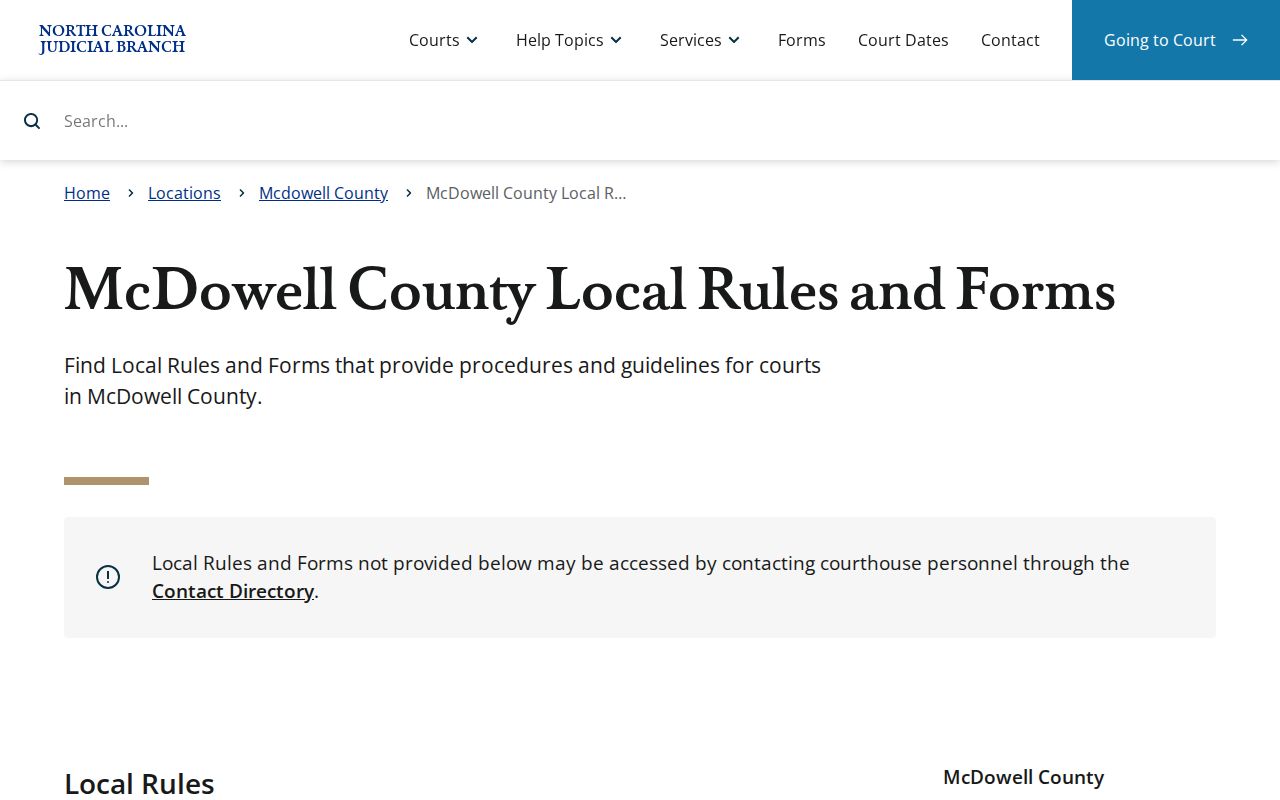
Local rules spell out McDowell County court procedure in detail. For any single court setting, though, the current Portal entry is where to start.
When a Court Date Moves
A calendar line from an earlier week tells you little about next week. Confirming a moved setting means checking the newest information the court has posted. A hearing sometimes gets continued or reset. The old entry stays put in the chronological Case Summary as history. So a past line is a record, not the plan. Compare two online channels: Search Hearings and the latest Case Events entry. That comparison shows the active McDowell County court date.
The Portal publishes no McDowell-specific reset-code legend and no standing reset policy. Local Superior civil rules do make one point clear. Calendars serve as notice. Missing a calendar because of noncompliance with rule requirements is not by itself grounds for a continuance. That is a rule of local procedure, not a prediction for any one case.
Need session dates across the state? The North Carolina Superior Court Master Calendar lays out the statewide session layer.
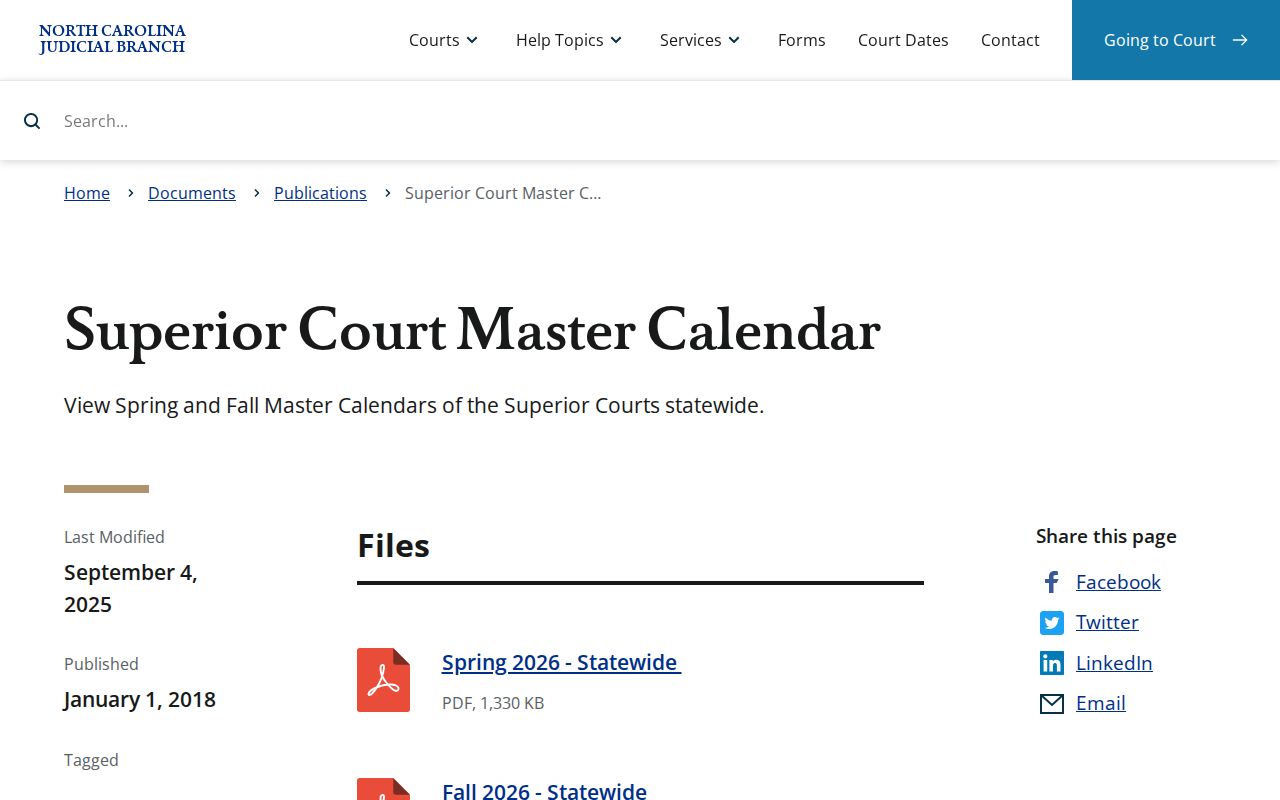
The statewide calendar supplies session context only. McDowell County court settings get confirmed through current hearing and case records instead. Those are the records that move with the case. One caution: a past Portal event proves a hearing was set, nothing more. It cannot show that the hearing is still next.
McDowell County Court Weather Checks
Weather gives McDowell County readers a practical reason to recheck a setting. It matters before driving to the courthouse. One McDowell Superior Court weather order makes a useful distinction. A Superior Court cancellation does not decide what happens elsewhere. It does not close District Court, the clerk's office, or other judicial offices on its own. One announcement is never a blanket cancellation of every McDowell County court event.
Check the county court landing page. Run a Search Hearings query. Also call the clerk's telephone line to confirm which division is affected and what the setting is now. If your case came with written notice carrying different instructions, follow the notice and ask the court office to clarify. Portal alone does not explain every weather-related change.
Missed Settings and What Comes Next
Missed a McDowell County court setting? Act quickly. Start with the Case Summary and Search Hearings to see whether a new entry or a future hearing has appeared. Then call the Clerk of Superior Court at (828) 655-4100 and ask about the local procedure for getting the next date. State guidance lets the clerk explain procedure, but it promises no continuance.
Missed a Setting? A missed court date can have serious case consequences, and a Portal search does not replace prompt contact with the clerk or compliance with a court order.
Use the case number when calling, confirm the court division and the latest event, and keep any written notice that shows the original setting.
For legal advice about a missed criminal, civil, or traffic setting, consult a licensed North Carolina attorney.
Traffic cases run on their own timing rules. Failure-to-appear reporting is one possibility. Pull a current case through McDowell County Docket Search before calling the clerk, while remembering that the official court record and court instructions control.
McDowell County Court Event History
McDowell County joined Enterprise Justice and eCourts Portal on October 13, 2025. Older case events were converted into the system. The Portal FAQ warns that legacy event times can display as 12:00 AM. So treat a midnight timestamp in an older McDowell County court record as a conversion artifact. It is worth investigating. It is not proof that a filing or hearing happened at midnight.
With an older record, read the event sequence in order. If the Portal view leaves questions, use the clerk's public terminal or the paper-file channel. When the exact date matters, ask for the underlying record. The Portal is a public window into Enterprise Justice. The Clerk of Superior Court holds the official record and issues certified copies.