
McDowell County Court Record Requests
Record requests in McDowell County go through the Clerk of Superior Court. That office keeps the files for both Superior Court and District Court. Decide what you need before you ask. It might be a Case Summary. It might be a single filed document, a judgment or order, an audio recording, a transcript, or an authenticated copy. The public eCourts Portal Smart Search can pin down a case number first. It can also show the public Register of Actions.
- Find the public case in Portal when possible and note the case number, filing county, court division, party names, and the exact event or document sought.
- For a public paper not available or clear online, call or visit the McDowell Clerk of Superior Court at 21 S. Main St., Marion, or call (828) 655-4100.
- Ask whether inspection, an ordinary copy, a certificate under seal, or an exemplification is the right record. Confirm the current calculation, acceptance method, timing, and any authorization needed.
- Use the clerk’s public terminal and county paper file when the Portal result is old, incomplete, or unavailable. The state recognizes both as public-record access channels.
- Use the Judicial Branch public-record route only for an administrative record held by NCAOC, not a McDowell case file. The form itself says NCAOC is not the county-file custodian.
McDowell County posts no local mail, email, fax, or online form for copies of court files. The county payment instructions handle eligible payments, not record-copy orders. Call the clerk first to ask about a specific request.
McDowell County Clerk Official Files
One clerk serves the whole county. McDowell has a unified structure, not separate criminal and civil docket custodians. The Clerk of Superior Court keeps criminal, civil, estate, special-proceeding, small-claims, traffic, infraction, and judgment records for the trial divisions. So when a Portal result looks incomplete, the clerk is the fallback. That holds true whether the case started in District Court or Superior Court.
McDowell Clerk of Superior Court
21 S. Main St.
Marion, NC 28752
(828) 655-4100
Weekdays, 8:30 a.m. to 5:00 p.m.
Start with the court itself. The McDowell County Courthouse page lists where the clerk sits and what the public building offers, and the McDowell contact directory gives the local court-office phone lines straight from the source.
For the legal backdrop, the North Carolina public-records-law overview spells out what the statute lets you ask the clerk for.
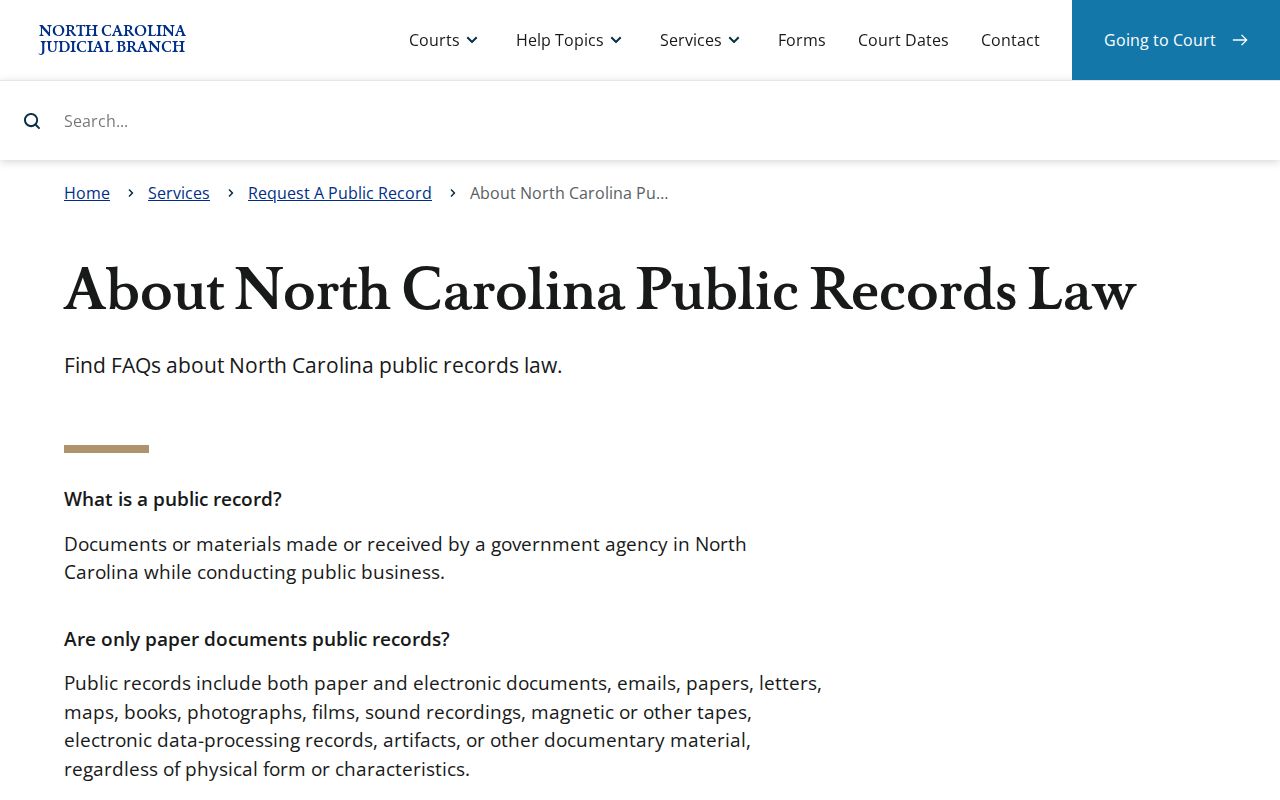
You have a right to inspect court records. That right does not turn the Portal display into the clerk's official certified record.
Kinds of Court Records
A McDowell County court file holds more than a docket printout. One public case can include several things. A Case Summary, filed pleadings or orders, a judgment, public documents, financial information, an audio recording, or a transcript. Different items may sit with different offices. Some follow different request paths. Naming the item precisely keeps you from asking for the wrong record.
- Case Summary or Register of Actions, the chronological public event index available for public case types through Smart Search.
- Filed case papers, such as pleadings, orders, and judgments, which may or may not be available in Portal.
- Clerk-issued ordinary copies, certificates under seal, and exemplifications.
- Audio recordings in eligible nonconfidential matters, requested through the applicable statewide form.
- Transcripts prepared by an official court reporter or approved transcriptionist, not ordinarily by the clerk as a docket copy.
One note on criminal appeals. A District Court criminal appeal is a new trial in Superior Court, so a transcript is ordinarily unnecessary for it. Also, never assume a court-event entry means an audio recording or transcript exists.
McDowell County Record Types Compared
Keep three record objects separate. The online Case Summary is an index of events. A filed paper is the document behind an entry. A certified copy is a clerk-authenticated copy. Learn that distinction before you contact the clerk, and your request will match the record you actually need.
| Record | What it provides | McDowell route |
|---|---|---|
| Case Summary / Register of Actions | Chronological public event history for an eligible public case. | Portal Smart Search, then clerk terminal or file if the public view is unclear. |
| Filed paper / case file | Actual pleading, order, judgment, or other material behind the event list. | Portal may offer public material; otherwise identify the document and contact the clerk. |
| Certified copy | A clerk-authenticated official copy rather than a Portal printout. | Request from the Clerk of Superior Court and confirm the current fee and calculation. |
Portal is a public window into Enterprise Justice. It is not the official record. A document image can be public yet still not be a certified copy. Only the clerk that maintains the record can certify it.
Court Records: What They Contain
A public Case Summary is a strong starting point. Its visible sections vary by case, though. The state guide lists the possible sections: Case Information, Assignment Information, Party Information, Causes of Action for applicable civil categories, Case Events, Dispositions, Hearings when present, and Financial Information when present. No public McDowell file is guaranteed to show every item or every underlying document.
| Case and assignment information | File and court-assignment details when they are available in the public Case Summary. |
|---|---|
| Party information | Publicly available parties and legal roles, subject to Portal privacy controls. |
| Case events | Chronological actions such as filings, settings, orders, and dispositions. |
| Causes of action | Civil, family, probate, or mental-health category data where applicable. |
| Hearings and financial information | Sections displayed when the record has available data; Smart Search is the current financial-detail route. |
| Documents | Public records or images when available; sealed, confidential, and restricted material is not public in Portal. |
McDowell County Public Record Terminals
Some clerks offer a public self-service terminal instead of an online docket search. It is an in-person option. State court-record guidance describes exactly that. At such a terminal you can run a criminal docket lookup by defendant name, case number, victim, or witness. The system can also reach civil, special-proceeding, and estate records through its available searches. The county paper file remains a documented in-person channel too.
What the state guidance does not settle is the local picture. Which room holds a McDowell terminal? Whether staff help is offered, whether images print, and how long copies take are details to confirm by phone before you drive over. A terminal is still worth asking about when a case file is old or hard to pin down. Even so, it carries no promise of showing more than Portal.
For a records inquiry that needs a local answer, the McDowell County court landing page is the county-level route. It points to current court services.
The Judicial Branch public-record request page explains how to ask the courts for a record. It also covers what each request should include.
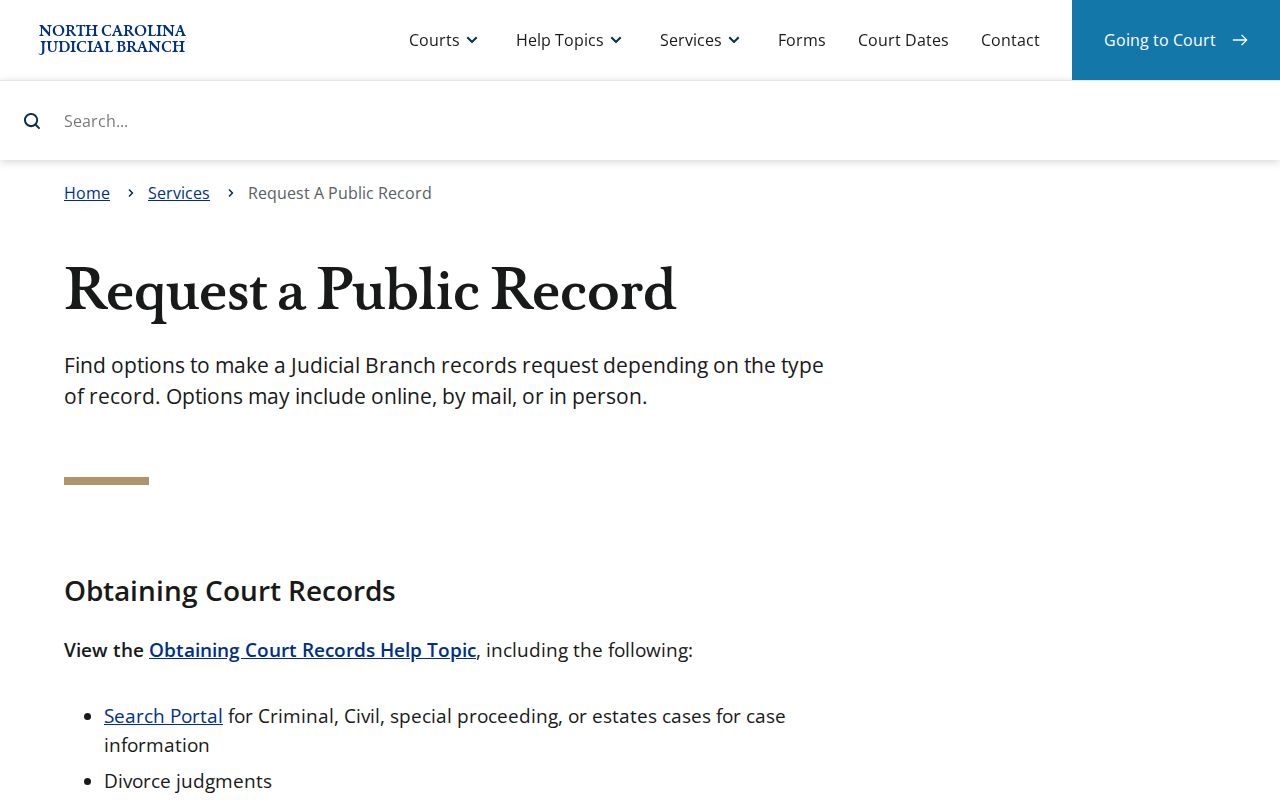
Public-record request information helps you pick the right channel. For a local case document, the county clerk is still the first route.
Copy Fees and Certification
The statewide miscellaneous-costs chart, effective January 1, 2024, sets the current fee figures. Those numbers are not a promise of what a particular McDowell request will cost. Ask the clerk to confirm the exact total. Also confirm which record service applies. Check what payment methods are accepted before you pay.
| Service | State-chart amount |
|---|---|
| Preparation of copies, first page of each document | $2.00 |
| Each additional page or fraction | $0.25 |
| Certificate under seal | $3.00 |
| Exemplification | $10.00 |
| Transcript of judgment preparation or docketing | $10.00 |
| Criminal record search | $25.00 |
The official copy-fee chart breaks down these court services. It does not set a court-reporter transcript price, a McDowell document-image price, or a local turnaround time.
McDowell County Transcript Record Routes
A recording of a hearing is not a standard clerk copy. To request audio in a nonconfidential case, the statewide route is Form AOC-G-114. Confidential recordings work differently. Those need court permission first, using Form AOC-G-115. Written transcripts go through the official court reporter who covered the proceeding, or an approved transcriptionist. Reporters set their own rates.
The posted directory lists court reporters. Still, the reporter on your proceeding may not be obvious from it. Ask the McDowell Clerk of Superior Court to name the right one. Also, ignore the $10 transcript-of-judgment line on the fee chart. That item is a separate clerk service. It is not a hearing-transcript charge.
Access Rules for Court Records
Three statutes govern access to court records here. G.S. 7A-109 opens the clerk's files, dockets, and indexes to public inspection during regular office hours unless a law says otherwise. Copy formats and reasonable charges fall under G.S. 132-6.2. G.S. 132-1.10 then bars certain personal identifiers from public view and offers a redaction route for some online images and copies.
Public-record limits. Juvenile files are confidential under G.S. 7B-3000. Sealed or confidential cases, unreturned warrants, protective-order and domestic-violence categories, and sensitive identifiers do not become public merely because a person can use Portal or visit the clerk.
The statutory redaction source is represented in this assigned image.
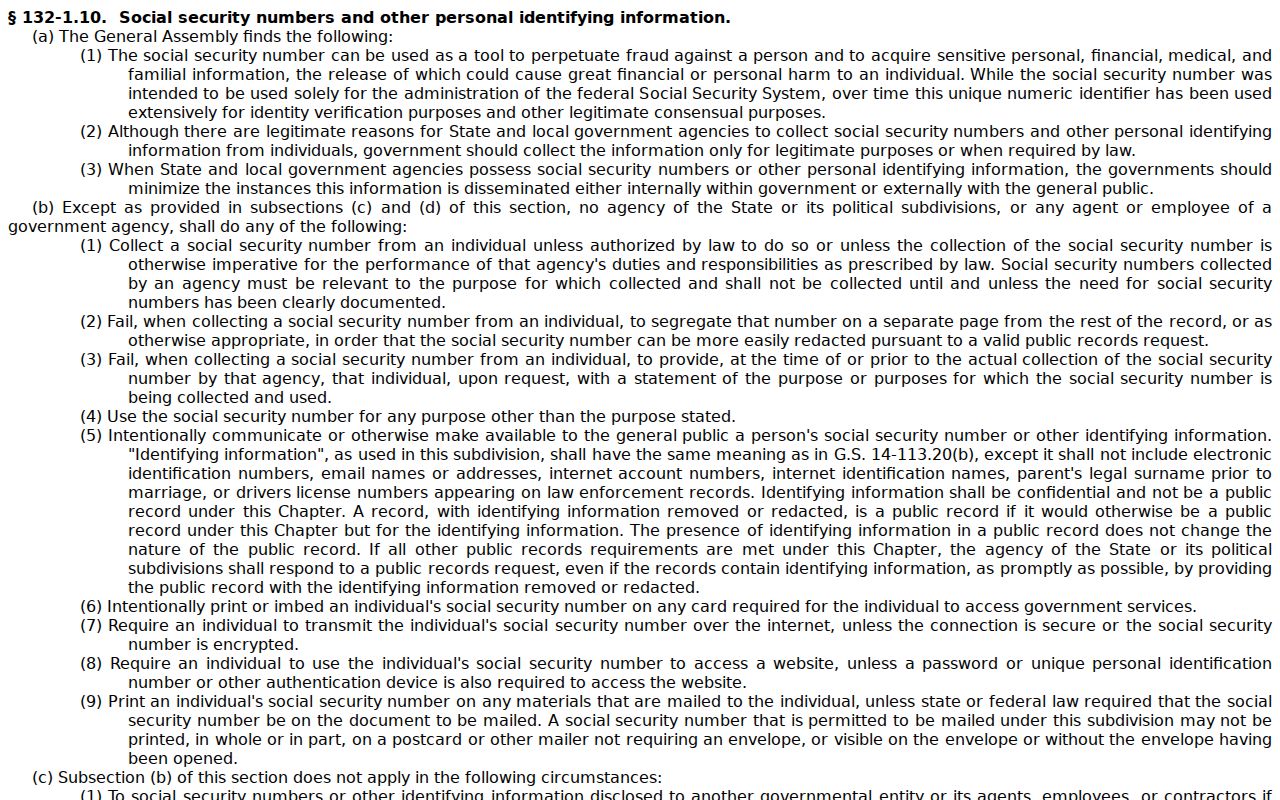
Access is genuine, in other words, but not unlimited. Court orders and confidentiality statutes can still close a particular McDowell record.
McDowell County Case File Custody
One form trips people up. The Judicial Branch public-record form does not cover a McDowell County court case document. It applies to an existing administrative record instead. The form collects requester details and a description of the record wanted. NCAOC states plainly that it will not fulfill court-document or case-information requests. Local files sit with the county clerk, not the agency. A case-copy request sent there just takes a detour and never reaches the records office.
The NCAOC public-record form appears on the official NCAOC page. That page spells out those limits itself.
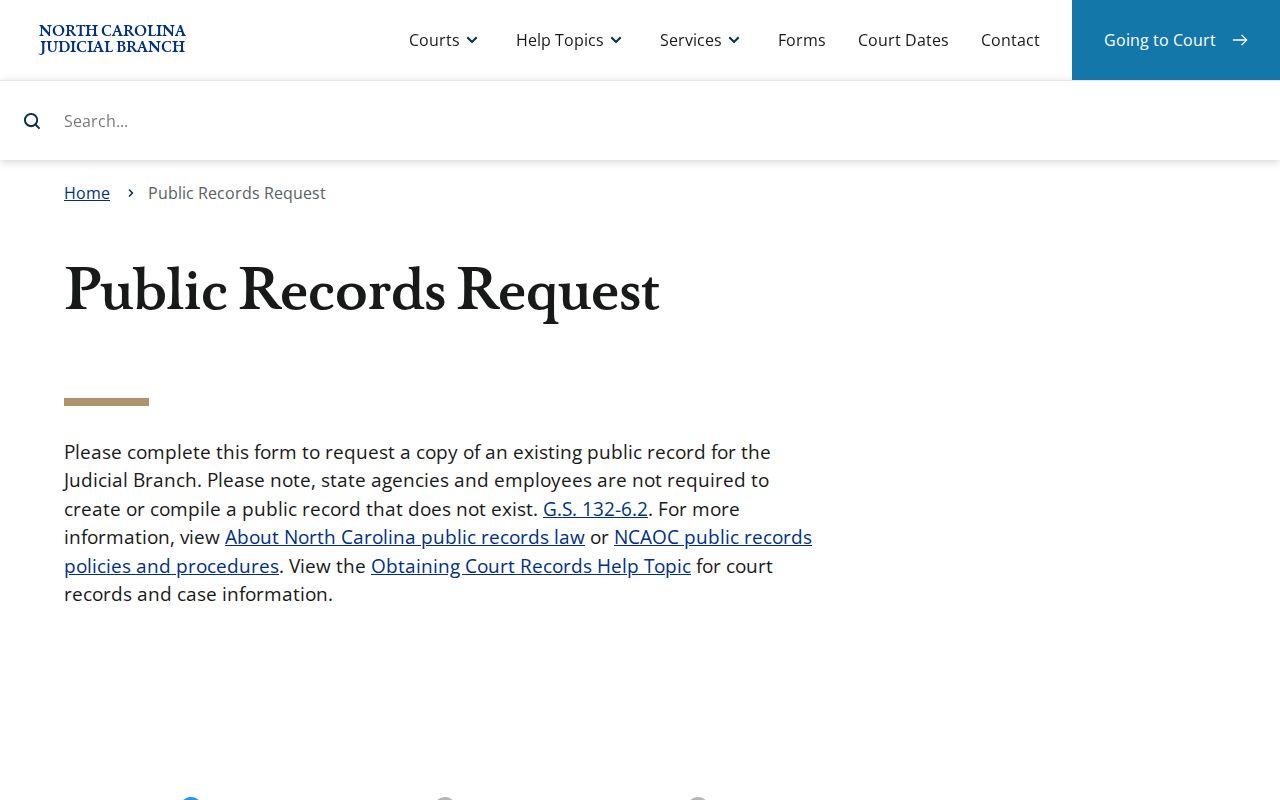
Match the tool to the need. Use the Judicial Branch form only for a Branch administrative record; for a McDowell case file, filed document, or certification, go to the McDowell Clerk of Superior Court. The NCAOC public-record policies page sets out the agency's own procedures for administrative records.
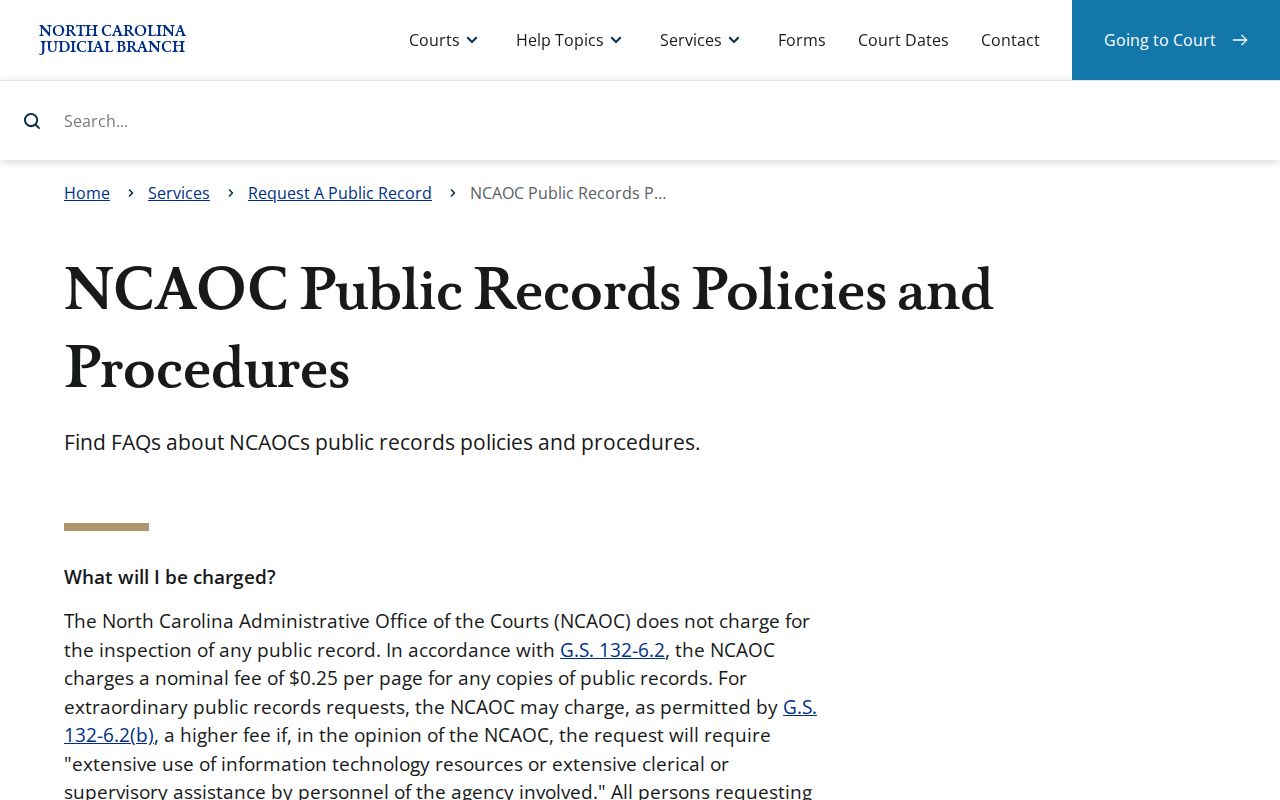
Those policies govern administrative-record access only. They do not shift custody of trial-court documents away from the McDowell clerk. Call the clerk to confirm the current copy process and timing before filing a request, since the county publishes no routine copy timeline or all-purpose court-file request form.