
McDowell County Civil Docket Divide
Which trial division has the case? That is the first question in any McDowell County civil docket search. The answer turns on money. Under G.S. 7A-243, District Court hears civil actions at or below $25,000, subject to statutory exceptions. Anything above $25,000 belongs to Superior Court. The split changes the case path but not who keeps the record. The unified McDowell Clerk of Superior Court holds the trial-court file for both divisions.
| Civil matter | McDowell division | Public record route |
|---|---|---|
| Action at or below $25,000 | District Court | Portal Smart Search, clerk terminal or file |
| Action above $25,000 | Superior Court | Portal Smart Search, clerk terminal or file |
| Small claims or summary ejectment | Magistrate and District Court record | Portal after eCourts entry, then clerk fallback |
For the exact language behind that threshold, the official text of G.S. 7A-243 states the civil division rule applied to McDowell cases.
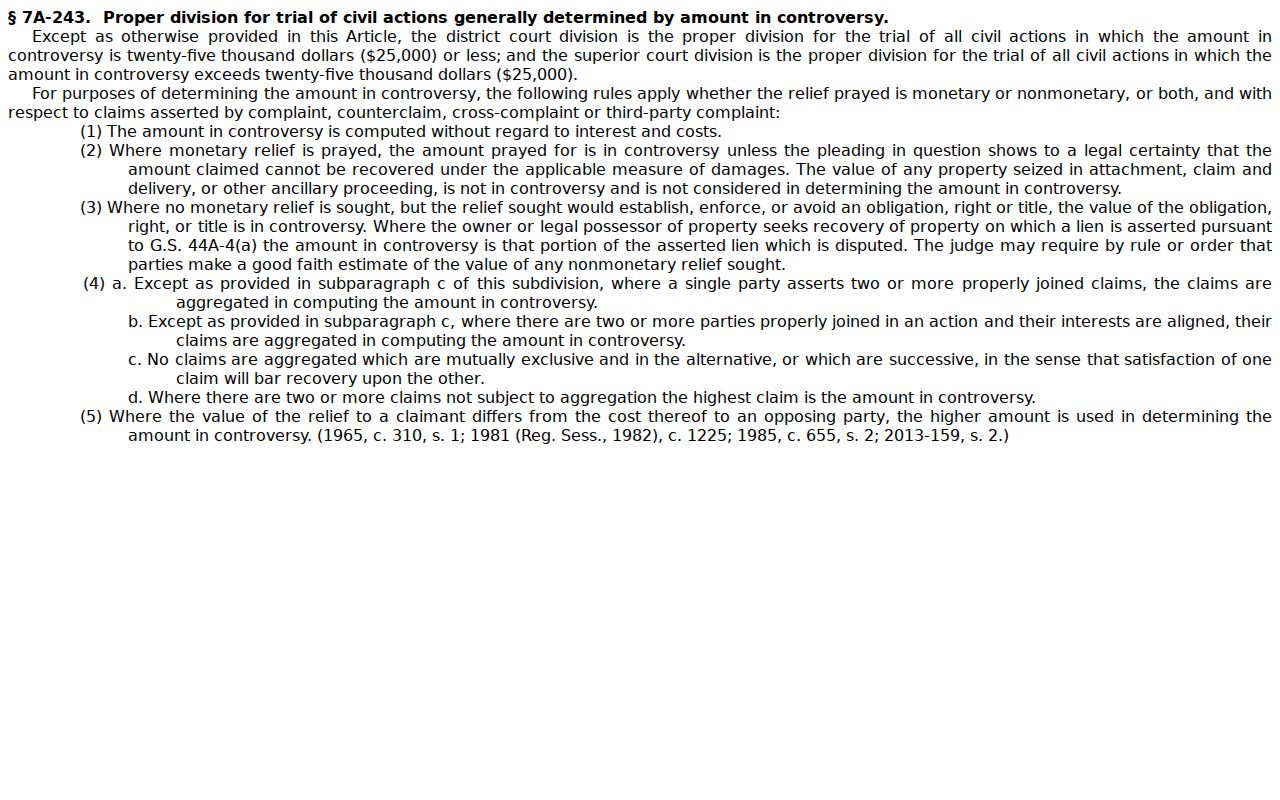
That threshold is why a civil record may carry a District Court or Superior Court label. Yet one McDowell clerk and one Portal location filter still find it.
McDowell County Civil Docket Searches
The North Carolina eCourts Portal is where a McDowell County civil docket search starts online. Its Smart Search needs no account. Type a case number or a name, then narrow with filters. Need paper files, terminal access, copies, or anything the Portal does not show? The Clerk of Superior Court is the other route.
- Open Portal Smart Search and enter a known case number or a party name in last-name, first-name order.
- Use the McDowell location filter if statewide results contain similar names.
- Select Civil Actions, or a public special-proceeding or estate category, when more filtering is needed.
- Choose the underlined case number and review the chronological Case Summary, rather than relying on a single status line.
- Use Search Hearings for a current setting, then contact the clerk for an official copy.
An Enterprise Justice case number pieces together a year, case-type letters, a six-digit sequence, and a county identifier. The statewide guide's sample, 21CR000007-910, shows the shape of it. Trust the number on your court document or in the Portal result.
McDowell Civil Filing Is Separate
Portal is only a search and viewing layer. It does not accept a new McDowell County civil filing. That job belongs to North Carolina eCourts File & Serve. It is a separate registered service tied to the Enterprise Justice and Odyssey case-management system. Attorneys file there. Self-represented filers may use it or simply bring papers to the courthouse. Clerk acceptance is what stamps a submission as filed. The eCourts File & Serve landing page names that system. It also shows the service is separate from the public civil docket search.
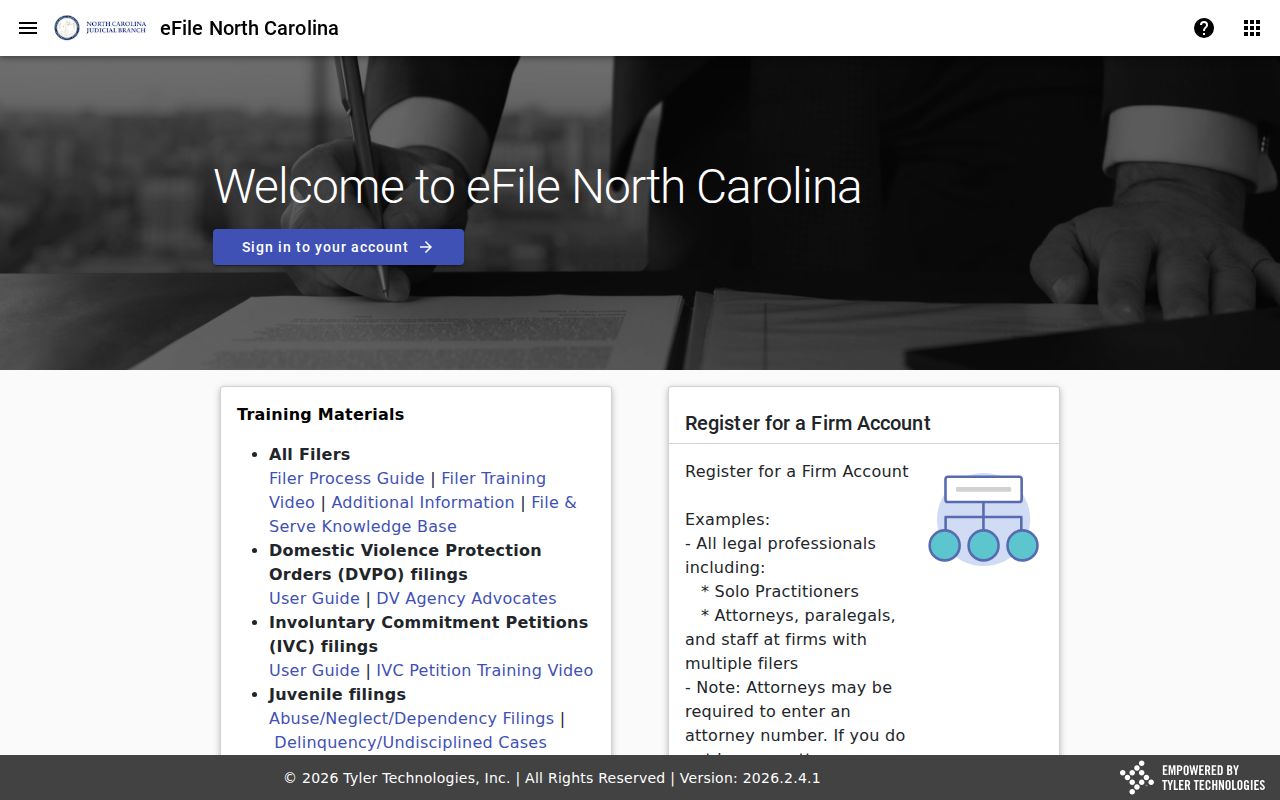
Keeping these two tools straight avoids a common mistake. A public Case Summary can list a filed event, but the pleading that created it was never submitted through Portal. One more note matters here. McDowell joined eCourts on October 13, 2025, so older entries can show conversion quirks like a 12:00 AM time.
Civil Dockets: What They Show
A civil Case Summary in McDowell County reads as a public timeline of the case. Sections can include Case Information, Assignment Information, Party Information, Causes of Action, Case Events, Dispositions, Hearings, and Financial Information. Each one appears only when data exists. The left-side menu on the Portal jumps between the available parts. No civil case shows every category or every underlying document, though.
| Case information | The case number, court assignment, and other available case details. |
|---|---|
| Parties | Publicly available plaintiff, defendant, petitioner, respondent, or other party roles. |
| Causes of action | The Portal’s substantive civil category for applicable civil, family, probate, or mental-health files. |
| Case events | Chronological filings, notices, orders, and settings when entered in the record. |
| Dispositions | The recorded resolution, such as a dismissal, judgment, or other case outcome. |
| Hearings and financial information | Sections that display when information exists; Smart Search is the current source for financial data. |
State training material promises nothing here. A public McDowell civil result may or may not expose a pleading image, judgment PDF, claim amount, service proof, execution entry, attorney bar number, or attachment. Want a specific filed paper or a certified copy? That goes through the clerk's file route.
McDowell County Civil Search Filters
A basic name or number comes first. Advanced filters then sharpen a McDowell County civil docket search. Pick McDowell for location first. Case type, compatible case status, party details, and filing-date controls can follow as needed. Public searchable categories include Civil Actions, nonconfidential Special Proceedings, and Estates, per the Portal guide. Its examples run from Civil General, Civil Magistrate, and Summary Ejectment to Civil Foreclosure. Bond Forfeiture, Confession of Judgment, and non-domestic restraining orders also appear.
| Search field | Type | Civil use |
|---|---|---|
| Case number or name | Text | Required basic Smart Search criterion. |
| Location | Selector | Select McDowell to limit statewide results. |
| Case type | Dropdown | Choose a compatible public civil, special-proceeding, or estate category. |
| Case status | Dropdown | Compatible options can include Pending, Appealed, Reopened, Stayed, transfer, or disposed variants. |
| Party or DOB data | Text or date | Narrows matching names; sensitive data remains masked or restricted. |
| Filing date range | Date controls | Reduces broad result sets by the available filing period. |
One limit on those filters: they cannot run alone. A search that returns nothing might just mean a typo, so check spelling and the basic criterion before drawing any conclusion about the McDowell case file.
What Cases Fill the Civil Docket
Civil dockets in McDowell County cover more than one kind of fight. Portal's civil categories and the court hierarchy point to several public record paths. The assignment and causes-of-action fields tell them apart. Category and jurisdiction decide the venue. A case sits in District Court, Superior Court, or a magistrate-related civil record.
- Civil actions within District Court jurisdiction, including matters at or below the statutory threshold.
- Superior Court civil actions above the statutory threshold, subject to statutory exceptions.
- Civil Magistrate and small-claims related records when entered through eCourts.
- Summary ejectment and civil foreclosure categories identified in the Portal guide.
- Public Estates and nonconfidential Special Proceedings, where the selected category applies.
The North Carolina Superior Court overview explains the court's part in major civil actions and links to its calendars.
That statewide role lines up with the McDowell division threshold. Meanwhile the Clerk of Superior Court keeps the county's civil record chain in one office.
McDowell Civil Docket Judgment Views
NC Judgment Search and Smart Search answer different questions about a civil docket. Judgment Search works as a public index. It is searchable by party name or case number, with filters for case type, status, location, and judgment date. A result can show the case number and disposition status. Index date and time, parties, and judgment comments may appear too. It is the right tool for finding an indexed judgment. It is not the complete civil docket.
| Tool | Best use | Important limit |
|---|---|---|
| Smart Search | Current public Case Summary and Register of Actions. | Not every document or restricted record is publicly available. |
| NC Judgment Search | Find an indexed judgment by party or case number. | It is a snapshot index rather than the complete current case file. |
| Clerk file or copy | Inspect a public paper file or request an official copy. | Availability, certification, fees, and timing should be confirmed with the clerk. |
Smart Search gives current interest figures under Portal guidance. Judgment Search works differently. Its numbers date back to the original judgment, so a McDowell civil case needing a present-day total should lean on Smart Search.
Hearings on the Civil Docket
Need a civil hearing date in McDowell County? Portal's Search Hearings tool is the place to look. Pick the location, hearing type, search type, and a date range first. Then search by case number, party, business, attorney, bar number, judicial officer, or courtroom. Results show current locations and times, and you can sort any column. Search Hearings is separate from Smart Search and from the wider local calendar pages.
One caution: the local administrative-schedules page may report that no master calendars are available. Portal may still list a current setting, though. A calendar entry never guarantees an exact call order. For call-list work, the official guide suggests two steps. Ask the courtroom clerk. Run a one-day courtroom search. The county Court Schedule page lays out a fuller confirmation sequence.
A hearing that has already happened stays in the Case Summary's history. Read the latest event and the current hearing result together. If the setting is unclear, call the clerk. You can also reach the Superior Court office at (828) 288-6116 for scheduling routing.
McDowell Civil Calendar Changes
McDowell County moved to eCourts in October 2025. That conversion shapes how civil docket access works today. Historic case events were moved into Enterprise Justice. So a legacy event showing 12:00 AM may just be a conversion timestamp. It is not proof that anything was filed or heard at midnight. For the active setting, the best evidence comes from two places. The newest Case Summary entry comes first. Then the Search Hearings result.
The Judicial Branch's caseload system is new as well. Its Case Statistics Dashboard launched in December 2025 and can filter by county. It offers reports and exports. These cover civil filings, dispositions, trial or judgment outcomes, disposition times, and pending counts. But no verified McDowell numerical export exists. A civil docket should never carry an invented county filing total.
The Judicial Branch dashboard launch announcement describes this county-filterable civil statistics resource in the Branch's own words.
The dashboard gives solid aggregate context. For an individual McDowell civil case record, Smart Search and the clerk remain the access paths.
Who Can See Civil Dockets
Who gets to see a McDowell County civil docket? The clerk's record rules come first. G.S. 7A-109 makes the clerk's files, dockets, and indexes open for public inspection during regular office hours unless access is prohibited. Portal can display a public Case Summary and, where available, public materials. But sealed, confidential, and restricted records stay closed even when a related case name turns up in a search.
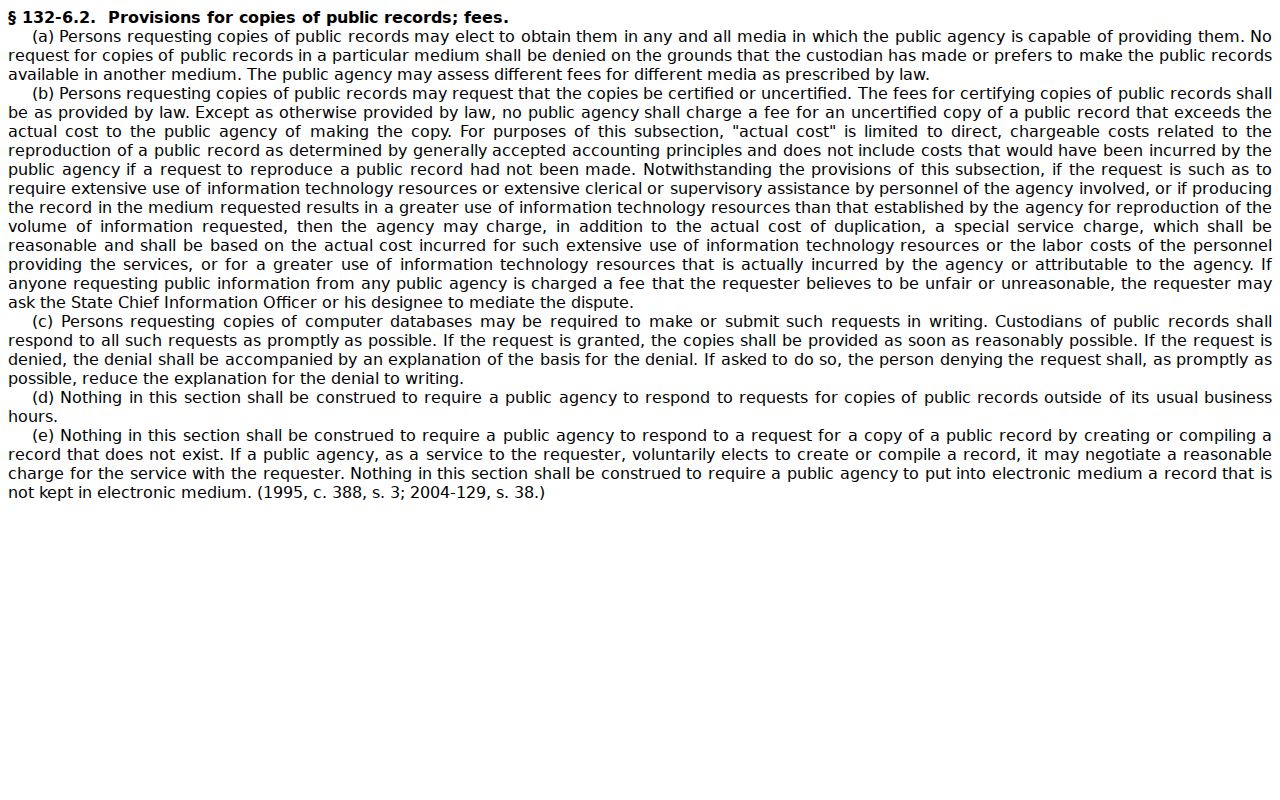
Access rule: G.S. 7A-109 addresses clerk-maintained dockets and public inspection. G.S. 132-6.2 addresses copy formats and reasonable charges, and does not require a public body to create a record it does not have.
North Carolina's copy-format and charge rule appears in the official G.S. 132-6.2 text.
Don't count on the state administrative public-record form for a McDowell civil case file. NCAOC does not hold county case documents or case information; that sits with the county clerk.
McDowell Civil Clerk File Route
Start official copies with the Case Summary. Pin down the exact pleading, order, judgment, or event you need. Then contact the Clerk of Superior Court at 21 S. Main St., Marion, NC 28752. You can also call (828) 655-4100 weekdays between 8:30 a.m. and 5:00 p.m. The clerk's office handles the county paper file, the public terminal, inspection, copies, and certification in person.
Know what form of copy you want before paying. Ask about an ordinary copy, a certificate under seal, or an exemplification, and confirm the math and timing. The statewide chart effective January 1, 2024 sets the rates. The first page of each document costs $2.00. Each additional page or fraction costs $0.25. A certificate under seal costs $3.00, and an exemplification costs $10.00. Confirm the current local amount and process with the clerk. Those figures come from the statewide chart.
One more distinction matters here. The Judicial Branch File & Serve training resource separates court filing from public record viewing.
A Portal printout can point you to the right civil record. When you need an authenticated copy, the clerk-issued certified copy is the official route.