
McDowell Criminal Portal Filters
Criminal docket results for McDowell County come from the public North Carolina eCourts Portal. Smart Search works without an account. Registering only lets you save cases; restricted material stays restricted. McDowell joined Enterprise Justice on October 13, 2025. One statewide tool now reaches public criminal and infraction Case Summaries for the county.
Start with a case number or a last-name, first-name entry. Too many hits? Narrow them by the McDowell location. You can also filter by Criminal or Infraction case type, a compatible status, party details, or a filing-date range. These advanced filters refine a basic search; they do not replace it. The state guide caps results at 200. The location filter earns its keep with a common name.
| Portal field | Type | McDowell criminal use |
|---|---|---|
| Case number or name | Text | Required starting criterion for a public Case Summary. |
| Location | Selector | Choose McDowell to narrow statewide results. |
| Case type | Dropdown | Select Criminal or Infraction when appropriate. |
| Case status | Dropdown | Use a criminal or infraction status to reduce the list. |
| DOB or range | Date control | Can narrow matching names; public output masks month and day. |
| Underlined case number | Result link | Opens the Case Summary or Register of Actions. |
Note: A Portal result is a public view of Enterprise Justice information. The McDowell Clerk of Superior Court remains the source of the official record.
McDowell County Criminal Docket Searches
Any McDowell County criminal docket search works best in steps. Identify the person or case first. Then tell the full event history apart from a current hearing setting. Smart Search supplies the Case Summary. Search Hearings is the separate tool for a current setting. When the public view does not answer the question, the Clerk of Superior Court handles the in-person and official-copy route.
- Open the eCourts Portal and choose Smart Search for a public criminal or infraction case.
- Enter a known case number or a name in last-name, first-name order, then submit the basic search.
- Add McDowell, Criminal or Infraction, status, and date filters if the initial results are too broad.
- Select the matching underlined case number and read Case Events in date order, along with the status and any public hearing information.
- Use Search Hearings for a current date, or contact the clerk for a file inspection, copy, or certification.
The statewide guide shows a four-part Enterprise Justice number like 21CR000007-910: year, case-type letters, a six-digit sequence, and a county identifier. That suffix does not mark a McDowell case. Use the number printed on the court document or returned by Portal. A broader name-and-number workflow sits on the county Docket Search page.
McDowell Felony Criminal Dockets
Venue gives a McDowell County criminal docket its first real meaning. Felony cases begin in McDowell County Superior Court. The unified Clerk of Superior Court keeps that record. Portal presents it through the same statewide search used for other public county cases. A felony search therefore needs no separate county database and no separate clerk.
Superior Court also hears misdemeanor and infraction appeals from District Court. An appeal can create a later Superior Court path. That can happen even when the original matter was handled below. Search the file number and read the assignment, status, and events. A charge category alone does not fix the current location. A transferred or appeal-related status is your cue to examine the later case history.
| Criminal path | McDowell court | Record custodian |
|---|---|---|
| Felony charge | Superior Court | Clerk of Superior Court |
| Misdemeanor or infraction | District Court | Clerk of Superior Court |
| District Court appeal | Superior Court | Clerk of Superior Court |
Criminal Dockets: What They Show
A public McDowell County criminal Case Summary is a chronological register, not a stand-in for every document in the court file. Confirm the case number, Case Information, Assignment Information, and Party Information before reading meaning into one event. Then work through the Case Events and Dispositions sections in order. Hearings and Financial Information appear when data exists.
| Case number | The selected file identifier, generally following the Enterprise Justice year, type, sequence, and county pattern. |
|---|---|
| Assignment information | Available court or division assignment information for the McDowell criminal case. |
| Party information | Publicly available party entries, subject to Portal privacy limits. |
| Case events | The dated public history, including filings, settings, orders, or procedural events when entered. |
| Dispositions | The recorded outcome or procedural resolution, if a disposition has been entered. |
| Hearings and financial information | Sections displayed when the Case Summary has that information; Smart Search is the current source for financial data. |
The official training material makes no promise that every McDowell criminal result will display bond details, a charge classification, prosecutor details, attachments, or every document image. Public display has limits. The clerk is the right source for an official copy. The clerk is also the right source for questions about material the public view leaves out.
McDowell Criminal Docket Status Terms
Status labels help sort McDowell County criminal docket results, but they do not replace the underlying events. The Portal guide lists criminal and infraction options including Pending, Disposed, Completed, Appealed, Pending Expungement, Transferred to Superior Court, and Voluntarily Dismissed with Leave. Read the event history and any order first. A label alone is never a complete explanation.
- Pending
- The criminal matter remains active in the system; a current date or event may still change its path.
- Disposition
- The court’s recorded outcome or procedural resolution for a case or charge.
- Pending Expungement
- A criminal or infraction Portal status showing an expunction process, not proof that every public reference has disappeared.
- Transferred to Superior Court
- A status indicating that the next process is in Superior Court, often requiring a review of the later McDowell record.
Older events converted during the 2025 Enterprise Justice change can show a time of 12:00 AM. The Portal FAQ calls that a legacy conversion artifact. It does not mean the filing or hearing happened at midnight.
Criminal Case Stages on the Docket
Criminal case events vary. The Case Summary reads as a sequence. Look for charging or filing activity first. An initial appearance, bond hearing, or probable-cause stage may follow where it applies. Arraignment, pretrial, motion, plea, trial, sentencing, and disposition events then describe later activity. The exact event language is not a published McDowell code list. Check unexplained wording with the clerk.
Docket flow: Charge or filing › initial appearance or bond process › arraignment › pretrial or motion setting › plea or trial › disposition and sentencing.
A past hearing is a historical event. The latest Case Summary entry, plus a separate current hearing search, beats an earlier date alone as confirmation.
McDowell Criminal Hearing Checks
Hearing settings in McDowell County live in the Portal's Search Hearings tool. The Case Summary screen shows some too. Pick a location, a hearing type, a search type, and a date range. The search type itself can be a case number, party name, business name, attorney, bar number, judicial officer, or courtroom. You supply the matching value after choosing. Results show current locations and times, and you can sort by any column.
Two limits matter here. Portal never marks a hearing virtual or in person. The time shown does not fix the order in which cases are called. The state guide points to the courtroom clerk for a call list. A one-day courtroom search with sorting also works. When a setting stays unclear, call the clerk. One quirk: McDowell's local schedules page can report no master calendars. Portal can still return a current hearing setting for a public case.
McDowell County Criminal Docket Courts
McDowell County keeps its criminal docket in one office. There is no split between a county clerk and a district clerk here. The Clerk of Superior Court holds the trial-court records for both divisions. District Court hears misdemeanors and infractions first. That includes most traffic matters. Superior Court handles the felonies. Magistrates perform statutory judicial functions, but they keep no separate county docket.
That single chain gives you a simple fallback. Search the public Portal first. If the online result is thin, turn elsewhere. The Clerk of Superior Court offers a public terminal, paper file, counter, or phone line. A judges' office can route a calendar logistics question. The clerk remains the source for case files and certified copies.
McDowell Criminal Official-Copy Route
Portal helps you read a McDowell County criminal docket. It is not the official court record. Need a filed document, an inspection, an ordinary copy, or a certified copy? Contact the Clerk of Superior Court with the case number, the party name if that helps, and the exact item you want. State court-record guidance lists the county paper file and a public self-service terminal as the alternatives to an online search.
McDowell Clerk of Superior Court
21 S. Main St.
Marion, NC 28752
(828) 655-4100
Weekdays, 8:30 a.m. to 5:00 p.m.
For local office channels, the McDowell County court contact directory lists the numbers and locations the clerk's office uses.
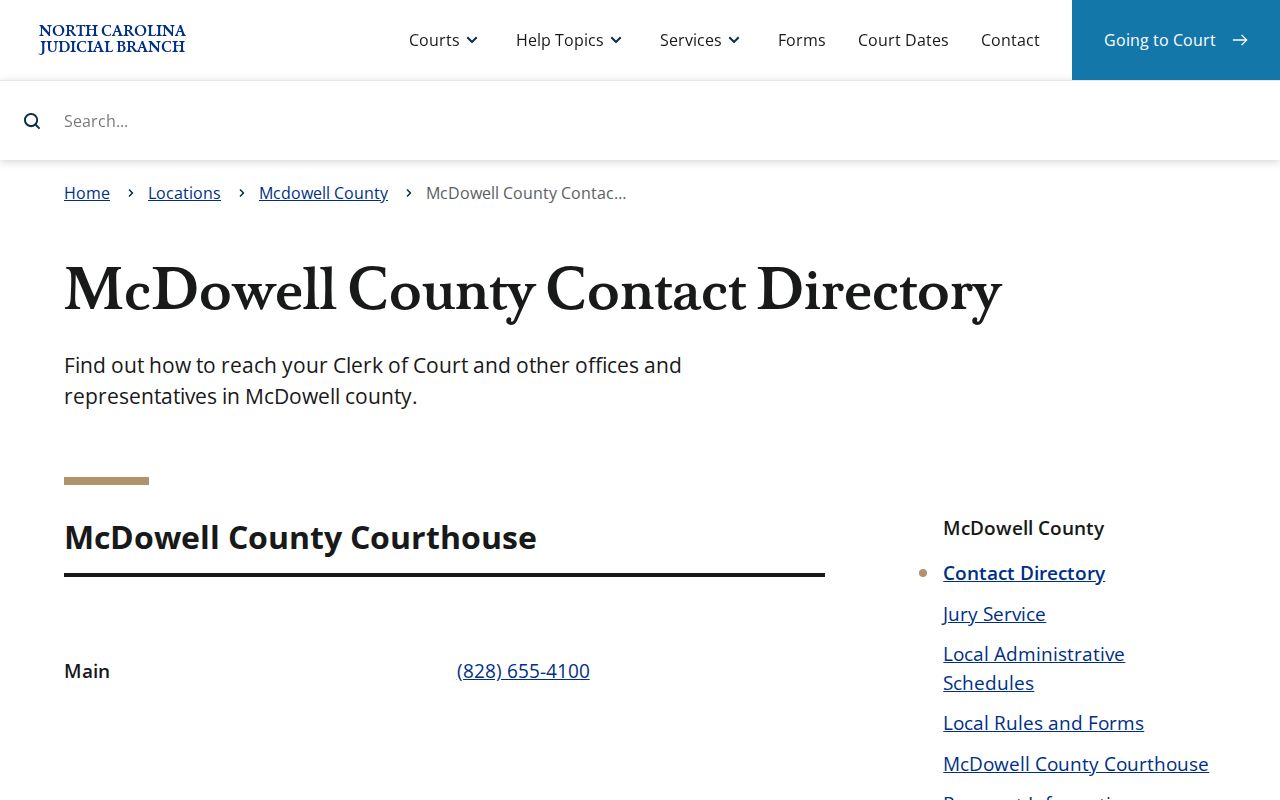
A clerk-first route for records works from that directory. Before you travel, confirm where the courthouse terminal sits, how long copies take, and whether document images are available.
Access Rules for Criminal Dockets
North Carolina law opens the clerk's files, dockets, and indexes to public inspection during regular office hours unless another law limits access. So ordinary public McDowell County criminal docket information is yours to read, whether through Portal or at the clerk's office. Not every criminal record is public, though. Sealed and confidential material stays out of Portal.
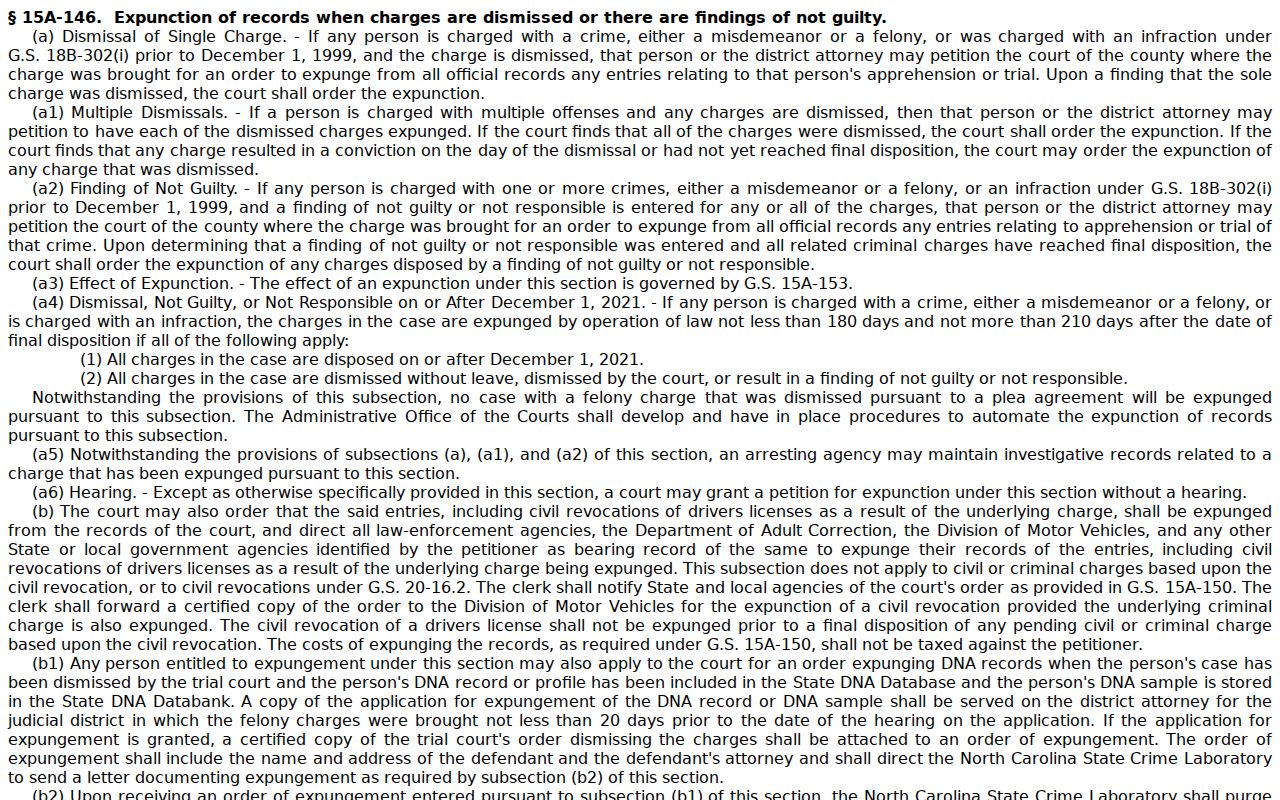
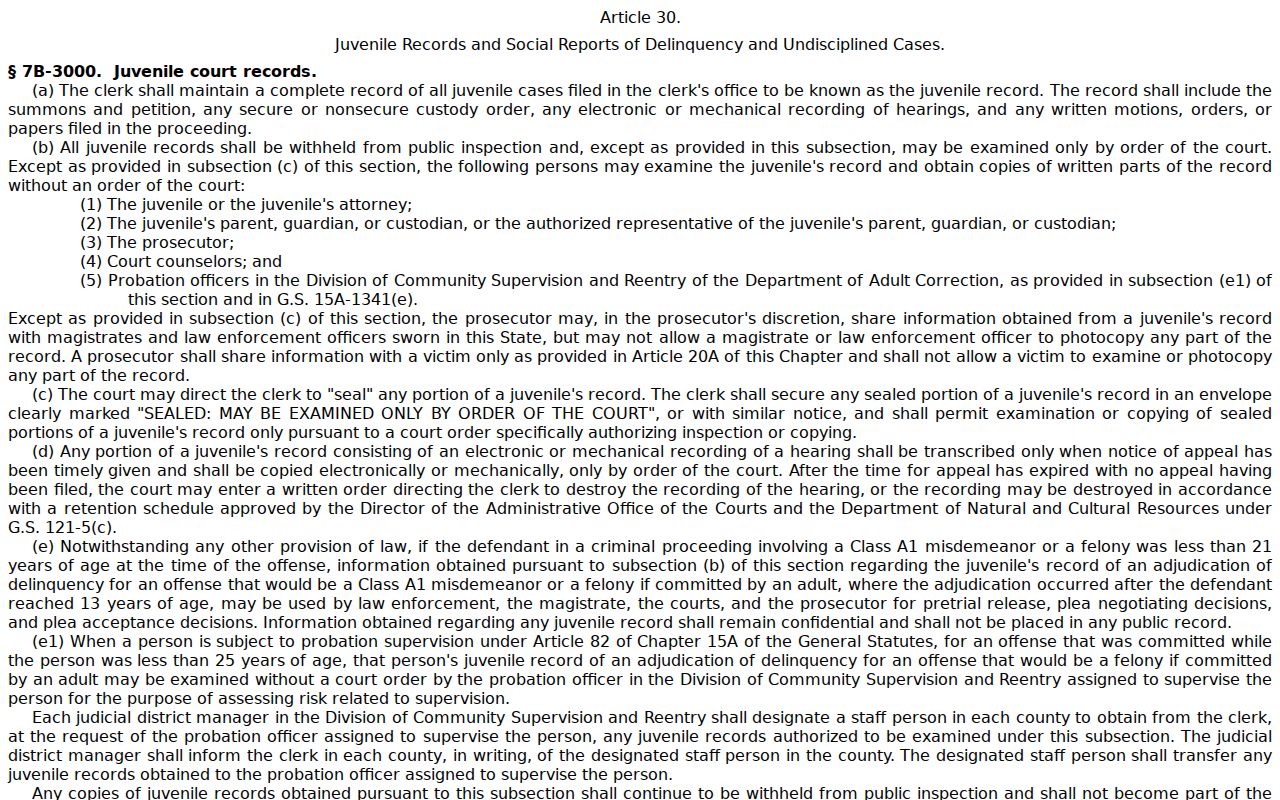
Key rules: G.S. 7A-109 requires clerks to maintain dockets and permits public inspection unless access is prohibited. G.S. 15A-146 supplies expunction routes for qualifying dismissed or not-guilty criminal charges. G.S. 7B-3000 makes juvenile records confidential except as the statute allows.
For the expunction path that applies to qualifying dismissed and not-guilty criminal charges, read the official G.S. 15A-146 text.
An empty Portal result does not prove an expunction on its own. Check the name or number format first. Older or restricted records take one more step. Contact the clerk in the county where the case was filed. For juvenile matters, the official juvenile-records statute sets out the separate confidentiality rule.
Other material also sits outside ordinary public Portal access. Unreturned criminal warrants, protective-order and domestic-violence related categories, sensitive identifiers, and similar restricted items are excluded.
When McDowell Criminal Searches Miss
A no-result message can mean several things. Maybe the name is misspelled. Maybe the number is incomplete, or the case falls outside the coverage. The material may be confidential, sealed, restricted, or expunged. A wildcard helps only if its minimum-character rules are met. Portal guidance requires at least four case-number characters before an asterisk. A person search needs three last-name characters plus one first-name character.
Retype the known spelling and number. Add McDowell as the location. Try a filing-date range or the right criminal status where it fits. If Portal stays murky, call the clerk at the courthouse about the filing county, official file access, or the proper process for a restricted record. Skip the state administrative public-record request form for a county criminal case file. NCAOC is not its custodian.