
McDowell County Court Docket Searches
For a McDowell County court docket search, start with the North Carolina eCourts Portal. No account is needed for public use. Smart Search returns a public Case Summary for eligible case types. It is sometimes called a Register of Actions. A case number is the best starting point when you have one. Name searches work in last name, first name order. A broad search can return 200 results. Narrow it with Advanced Filtering Options like McDowell location, case type, case status, party criteria, or a filing-date range.
- Open Portal and choose Smart Search for a public McDowell County case.
- Enter a case number or a person’s name as basic search criteria.
- Add McDowell as the location and use available filters to narrow a large result set.
- Select the underlined case number to read the Case Summary and its dated events.
- Use Search Hearings when the question is the current court setting rather than the full case history.
A no-result response does not mean the court file never existed. Check your spelling and format first. The case may be restricted. It may simply be unavailable online, or better suited to a clerk-counter search. The county's Docket Search page walks through the Portal field sequence for both name and case-number research.
| Portal search field | McDowell County use | Requirement |
|---|---|---|
| Record Number or Name | Enter a case number or a last-name, first-name search. | Basic criterion |
| Location | Select McDowell to narrow statewide case results. | Optional filter |
| Search Type | Use an available type such as case number, business name, or citation number. | Optional filter |
| Case Type and Status | Narrow public results to the compatible case category and status. | Optional filter |
| Underlined Case Number | Open the result’s public Case Summary or Register of Actions. | Result link |
McDowell County’s October 2025 eCourts Shift
On October 13, 2025, McDowell County joined the final eCourts Track 10 conversion. Enterprise Justice became the county's electronic case-management system. It is also known as Odyssey. Portal then became the public route to case information, hearing dates, and eligible payments. File & Serve is the related electronic filing system. It is not the public docket. It requires registration, and it does something different from checking a public Case Summary. North Carolina eCourts describes the statewide implementation and its court services.
The 2025 conversion explains an odd wrinkle. Older McDowell court references may point to a prior navigation path. A public docket search now begins in Portal. Portal is convenient because it gathers statewide public information in one place. Even so, a result is a public view rather than the official court record. The Clerk of Superior Court remains the McDowell custodian for official copies. The same office answers questions the online record cannot answer.
Court Dockets: What They Show
A McDowell County Case Summary is a chronological public summary drawn from the clerk's record. Sections can include Case Information and Assignment Information. Party Information, Case Events, Dispositions, Hearings, and Financial Information may also appear. Not every case shows every section. Hearings and financial details appear only when the system has something to display. Documents may be public, restricted, or unavailable online. Read the events in date order instead of trusting a single status line.
| Case number | The unique court-file identifier selected from the search result. |
|---|---|
| Case information | The public case category and available assignment information. |
| Case events | Dated filings, orders, settings, or other recorded court actions. |
| Dispositions | The entered outcome or procedural resolution when one is available. |
| Hearings and financial information | Available sections that may identify a setting or court monetary information. |
A docket is not the same thing as every paper behind it. The filed document is the actual pleading, order, or judgment. A certified copy is a clerk-authenticated document, not a Portal printout. That difference matters. Use the official court item when you need more than a quick read of public case activity.
McDowell County Smart Search and Judgment Index
Smart Search and NC Judgment Search are related McDowell County docket tools. They are not interchangeable, though. Smart Search is the place to start for the current Case Summary and available financial information. NC Judgment Search is a public index searchable by party name or case number. It adds filters for case type, status, location, or judgment date. It works as a pointer. It is not the complete case file, and it may lack the current detail Smart Search shows. Enterprise Justice case numbers combine a two-digit year, case-type letters, a six-digit sequence, and a three-digit county identifier. The state guide illustrates the pattern as 21CR000007-910. Use the number printed on a court document or returned by Portal rather than trying to guess McDowell's suffix. Portal also masks the month and day in public date-of-birth results for name searches. Legacy cases were converted into the eCourts system. Some converted events display a time of 12:00 AM. That reflects migration data, not proof that a filing or hearing happened at midnight.
McDowell County Courts and Their Dockets
McDowell County sits within North Carolina's unified Judicial Branch. Its trial divisions are Superior Court and District Court. Magistrate functions sit inside the District Court system. One office holds the records across all of it. The Clerk of Superior Court is the single county custodian for the trial-court record system. Court level changes the path a case takes. It does not change the central clerk custody or the Portal search route for public files.
| Court or function | Docket coverage | McDowell access route |
|---|---|---|
| Superior Court | Felony criminal matters, civil actions above $25,000, and qualifying appeals. | Portal, clerk terminal or counter, and clerk copies. |
| District Court | Misdemeanors, traffic and infractions, small claims, domestic matters, and civil actions at or below $25,000. | Portal Smart Search, Search Hearings, and the clerk. |
| Magistrate functions | Initial criminal process, small claims functions, and other statutory duties. | Clerk custody and Portal after public eCourts entry. |
| Restricted matters | Juvenile, sealed, and other confidential records. | Authorized route through the clerk, not ordinary public Portal search. |
A District Court misdemeanor conviction can move to Superior Court for a new trial on appeal. When that happens, the case history shows an appeal or transfer. Search both the original division and the later Superior Court Case Summary.
McDowell County Courthouse Records After 1894
The McDowell County Courthouse is the physical center for the clerk, Superior Court, District Court, cashier, and court-contact functions. Marion's city history records that the original 1843 to 1845 courthouse burned in the November 25, 1894 downtown fire. Many original town documents burned too. That history is a good reason to ask the clerk or an archival custodian about an early record missing from online results. It is not proof that any particular case file was lost. The McDowell County Courthouse page is the source for the present building and clerk location.
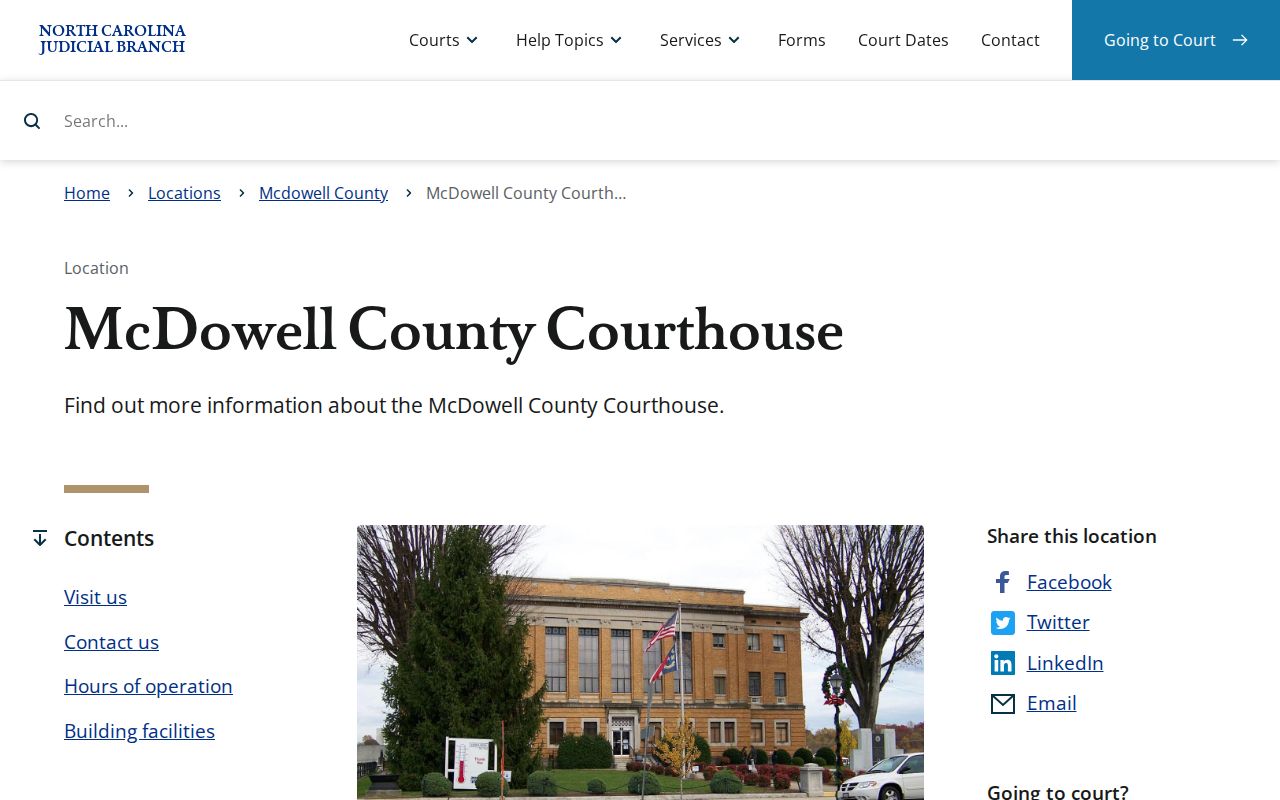
The current courthouse at 21 S. Main St. in Marion is the documented clerk fallback. Go there for a public docket, court-file inspection, or a certified copy. It is also the right place to ask about a missing online result.
Court Dates and Settings in McDowell County
McDowell County court dates move through several channels. Portal Search Hearings answers the main question: what setting is on the calendar right now? Pick a location, hearing type, search type, and date range, then add a matching criterion such as a case number, party name, attorney, judicial officer, or courtroom. Results show current hearing locations and times. A Case Summary adds the linked event history. That history helps separate a current setting from a past event.
The local administrative-schedules page says “Master Calendars: none at this time” yet still lists civil and criminal calendar sections. That heading does not erase your case's date. Start with Search Hearings, then read the Case Summary. If the date still seems unclear, call the clerk or the court office handling the matter. The Court Schedule page collects the fuller date-channel distinctions in one place.
McDowell County Calendar Has Two Layers
Two layers make up the McDowell calendar. Portal Search Hearings handles the live query, and the local schedules hub publishes more broadly. Neither replaces the other. A general calendar heading cannot tell you the precise status of one case, so run the live hearing result instead. Search Hearings can sort results by column, which helps when you scan a single courtroom for one day. Even so, a listed setting is not a promise of the order in which cases get called.
Portal does not flag every hearing as virtual or in person. A virtual hearing may carry its own link. Another listing may need the courtroom clerk. McDowell publishes no traffic or general docket-code legend, so verify a confusing event label instead of decoding it by guesswork. Weather affects Superior Court, District Court, and clerk offices differently. One closure does not clear every setting. Check the county's current notice or telephone line.
Docket Access Under North Carolina Law
Access to the McDowell County court docket starts with a simple rule. The clerk keeps files, dockets, and indexes open for public inspection during regular office hours. A law can limit access. Portal offers an online route to eligible records. The clerk handles physical files and official copies. One caution matters here. A missing Portal result, or a restricted one, says nothing final about the underlying matter. Sealed and confidential records, juvenile matters, unreturned criminal warrants, and other protected categories stay outside ordinary public access.
Key access rules:
G.S. 7A-109 requires clerks to maintain court records and generally makes public files, dockets, and indexes inspectable during regular office hours.
G.S. 132-6.2 addresses copy formats and reasonable charges but does not require a public body to create a record it does not have.
G.S. 7B-3000 makes juvenile records confidential except as the statute permits.
Portal also shields some personal details. Public date-of-birth results mask the month and day, and Social Security numbers stay off-limits. A restricted record may still be reachable through a statute-based or court-authorized route at the clerk.
McDowell County Public Terminals and Paper Files
Portal cannot always answer a McDowell County docket question. The clerk's office is the next stop. State court-record guidance points to a public self-service terminal at a clerk's office in every county. It covers criminal searches plus available civil, estate, and special-proceeding information. The paper file sits where the case is, and it can be inspected there. Clerk staff make copies for a fee. Confirm the particular document and its public-access status before traveling. Call first. Have the case number ready, plus party names when they apply. Name the exact document or certification you want. The phone call settles what is not published. That includes terminal-room details, staffed-assistance rules, or copy turnaround. The NCAOC public-record request form is for Judicial Branch administrative records. It is not the route for a McDowell case file.
How the Clerk Keeps Docket Records
McDowell County runs a unified clerk structure. The Clerk of Superior Court keeps every court record in the county: Superior Court and District Court, plus criminal, civil, estate, special-proceeding, small-claims, traffic, infraction, and judgment files. One office holds them all. That is why a Portal question, a counter visit, a phone inquiry, and a certified-copy request all go to the clerk. There are no separate county criminal and civil offices.
McDowell Clerk of Superior Court
McDowell County Courthouse
21 S. Main St.
Marion, NC 28752
(828) 655-4100
Weekdays, 8:30 a.m. to 5:00 p.m.
Asking for a court-file copy is simple. Give the clerk the case number. Then name the form you need. It may be an ordinary copy, a certificate under seal, or another authenticated record. Eligible traffic payments run through their own cashier, online, and mail instructions. Those payment directions do not double as a case-file-copy procedure. For statewide numbers, North Carolina Judicial Branch data and statistics is the authoritative source. It hosts the county-filterable case-statistics dashboard that replaced older data platforms in December 2025.
The dashboard suits county-level filings, dispositions, and pending-case analysis. A specific McDowell docket still takes Portal or the clerk's file.
McDowell County Clerk Holds Official Court Files
Portal is not the official record. A Case Summary helps you identify the case and trace its events, but the clerk holds the official McDowell County court file. The gap matters most when you need a filed paper, an order, a judgment, or a certified copy. Fees come from the statewide chart effective January 1, 2024. Preparation of the first page of each document costs $2.00, each additional page or fraction costs $0.25, and a certificate under seal costs $3.00. Confirm the current calculation with the clerk before payment.
Transcripts and audio records run on a different route. Court reporters set their own rates. A transcript is not the clerk's docket copy. For the wider picture, the North Carolina Judicial Branch overview lays out the statewide framework behind this unified court-and-clerk system.
One habit serves most McDowell County docket searches well. Find the public case through Portal first, then turn to the McDowell clerk for the county file and any official copy.
City-by-City Court Dockets in McDowell County
Marion and Old Fort are the county's only incorporated places. The 2020 Census table lists Marion at 7,717 people and Old Fort at 811. Neither runs its own separate municipal court docket. A criminal, civil, traffic, or infraction matter in either town goes through the McDowell County court system. District Court takes traffic and most misdemeanors. The Clerk of Superior Court keeps the record.
Marion Court Records
Marion is the county seat. City Hall citation payments and city-government record requests are separate from a McDowell state-court docket or clerk file.
Old Fort Court Records
Old Fort has no confirmed municipal-court docket in the research. State court matters route through McDowell District Court, Portal, and the clerk in Marion.
Marion's citation-payment page is a city administrative channel, not a state-court docket search. Old Fort's online payment portal covers utilities only. Read the issuing document first. Then use the court route it names.
McDowell County Dockets and Federal PACER
A McDowell County state case never shows up on a federal docket. The county sits in the Asheville Division. That division is part of the U.S. District Court for the Western District of North Carolina. That court's electronic docket system runs on PACER and CM/ECF. Federal case numbers follow a different pattern, such as 3:26-cv-00704. State cases belong in Portal. They also sit with the McDowell clerk. Federal cases belong in the federal system that has jurisdiction.
PACER's official fee explanation covers the charges. The courts bill for electronic docket and document access.
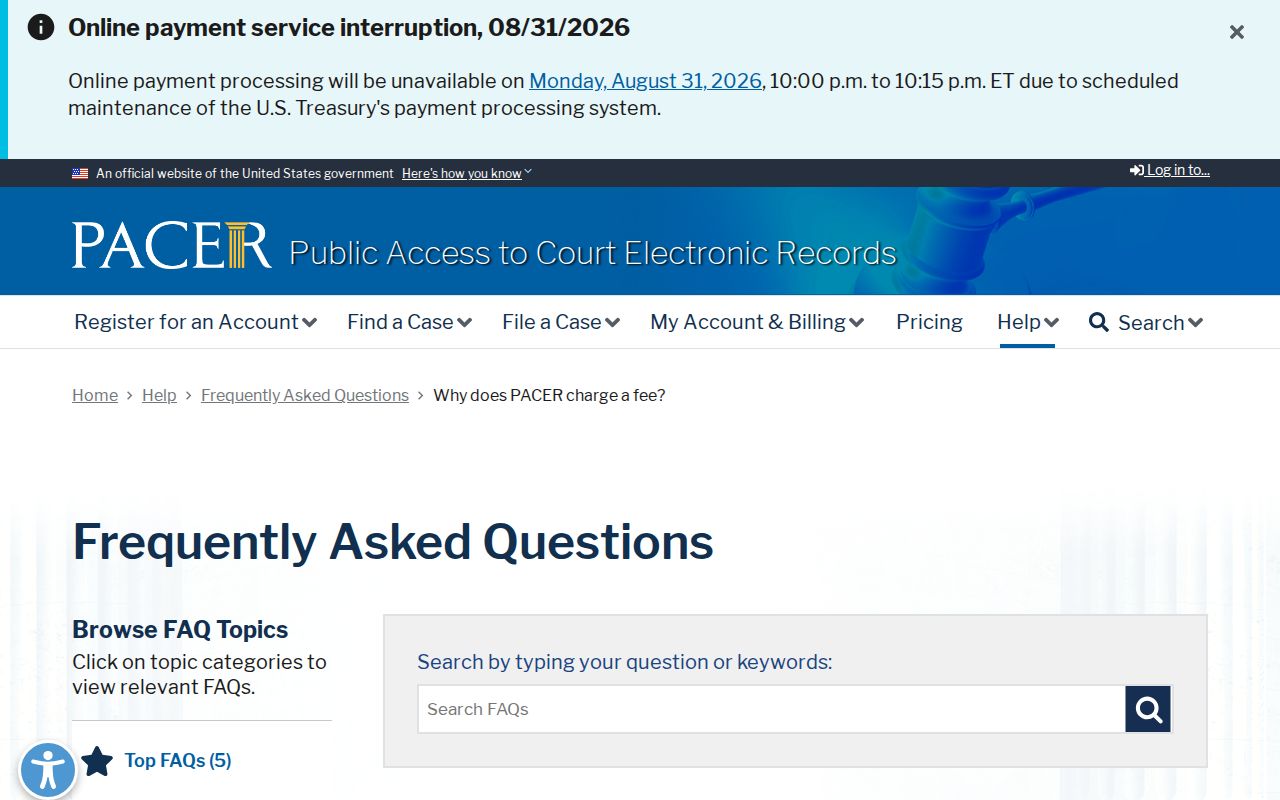
PACER charges $0.10 per page for electronic access. A single docket report or document is capped at $3.00. Fees at or below $30 in a quarter are waived. Stated exceptions apply.
Western District of North Carolina CM/ECF court information lays out the federal filing and docket context for the Asheville Division.
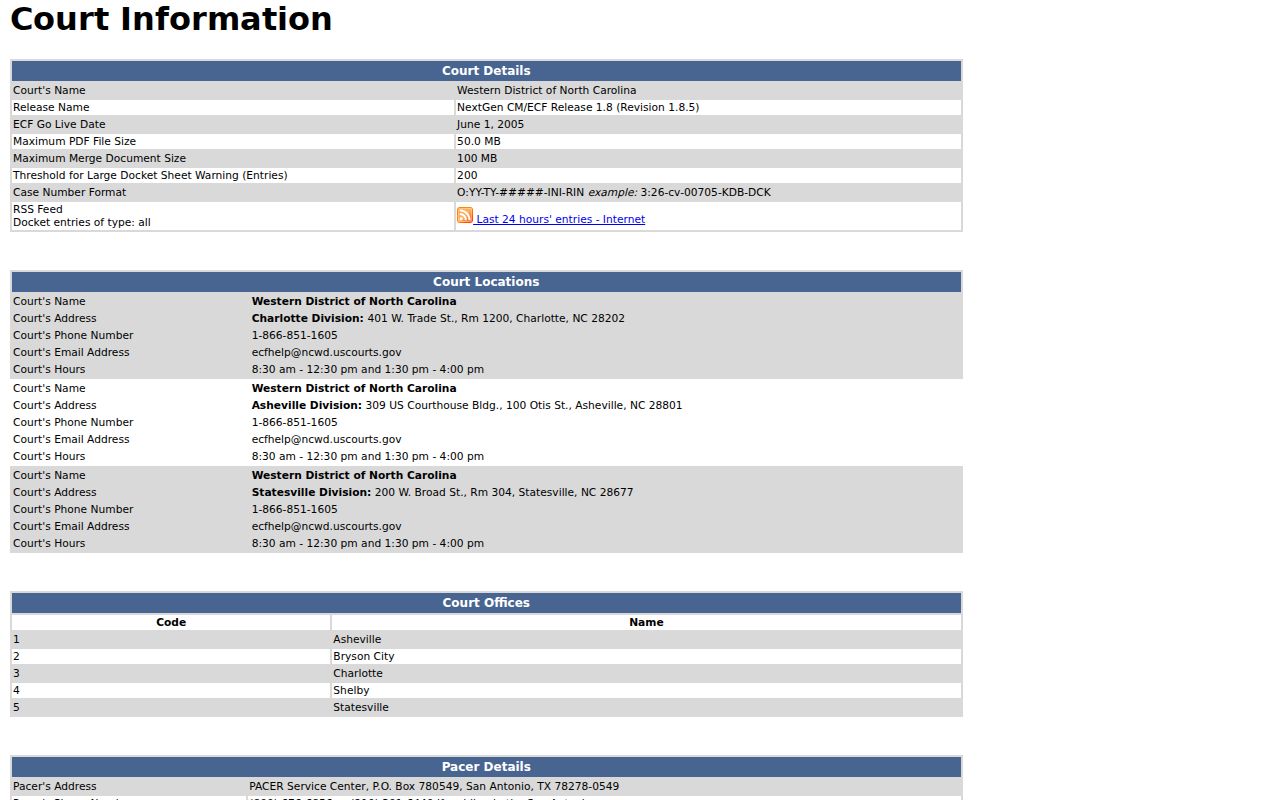
CM/ECF is how filings reach the federal court. PACER is the public's route to federal docket entries and documents. CourtListener and RECAP offer a free source for federal material gathered through RECAP participation.
RECAP coverage is spotty, so PACER stays the primary federal source when a case must be located. Fourth Circuit rules give the appellate context for Western District matters.
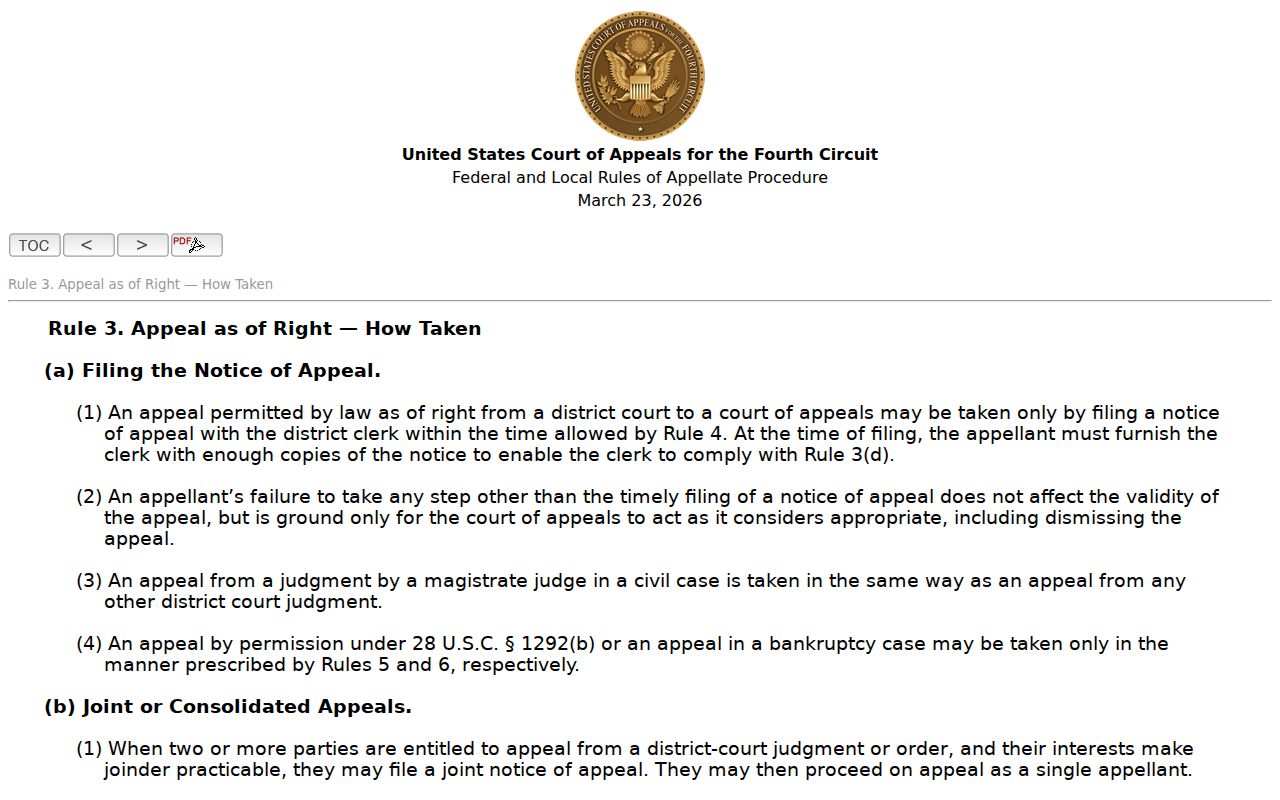
The federal appeal route is its own track. It should never be mixed with a McDowell County court docket search or North Carolina's state appellate path.
Map and Directions to the McDowell County Courthouse
Superior Court and District Court files are both kept by the Clerk of Superior Court at the McDowell County Courthouse, 21 S. Main St., in downtown Marion. One building holds the clerk's office, cashier, and magistrate contact point, with no separate criminal-justice center or civil annex documented. Jurors called for service report to Courtroom 2 on the main floor.
McDowell County Courthouse / Clerk of Superior Court
21 S. Main St.
Marion, NC 28752
(828) 655-4100
Weekdays, 8:30 a.m. to 5:00 p.m.
The courthouse page confirms wheelchair access and an elevator, but the research documents no separate parking policy, security-screening rule, or clerk copy cutoff, so calling (828) 655-4100 before a visit is the safer plan.